So, you’ve got an idea to start an online education business. Amazing! But now you’re stuck asking the big question — how do I build a website that actually works and keeps people coming back? Let’s dive into the world of website builders made for educators like you. It’s easier and more fun than you think!
TLDR: Website builders like Wix, Kajabi, and Teachable make it super easy to launch an online education business. Focus on tools that provide great user experience (UX) and keep learners engaged. Look for features like customizable templates, quizzes, and built-in analytics. A good-looking and fun-to-use site keeps your students coming back for more learning!
Why UX and Engagement Matter Big Time
User experience (UX) isn’t just a fancy tech term. It’s how your visitors feel when they use your site. If they get frustrated, they leave. If they enjoy it, they stick around.
Engagement keeps things lively. Whether your course is about guitar, coding, or baking cupcakes, you don’t want your learners snoozing after five minutes.
Good UX + High Engagement = Happy learners who finish courses and come back for more.
Top Features to Look for in a Website Builder
Not every website builder is created equal. For online education, here are must-have features:
- Drag-and-drop editing – You’re a teacher, not a web developer. This makes life easy.
- Mobile-friendly templates – Your students are browsing on phones and tablets too.
- Course creation tools – Think videos, PDFs, quizzes, and assignments.
- Student dashboards – Give your learners a clear view of their progress.
- Gamification – Badges and points can make learning way more fun.
- Analytics – Know who’s logging in, what they’re watching, and where they drop off.
Best Website Builders for Edu-Biz Rockstars
Let’s meet some of the best tools for your online teaching empire.
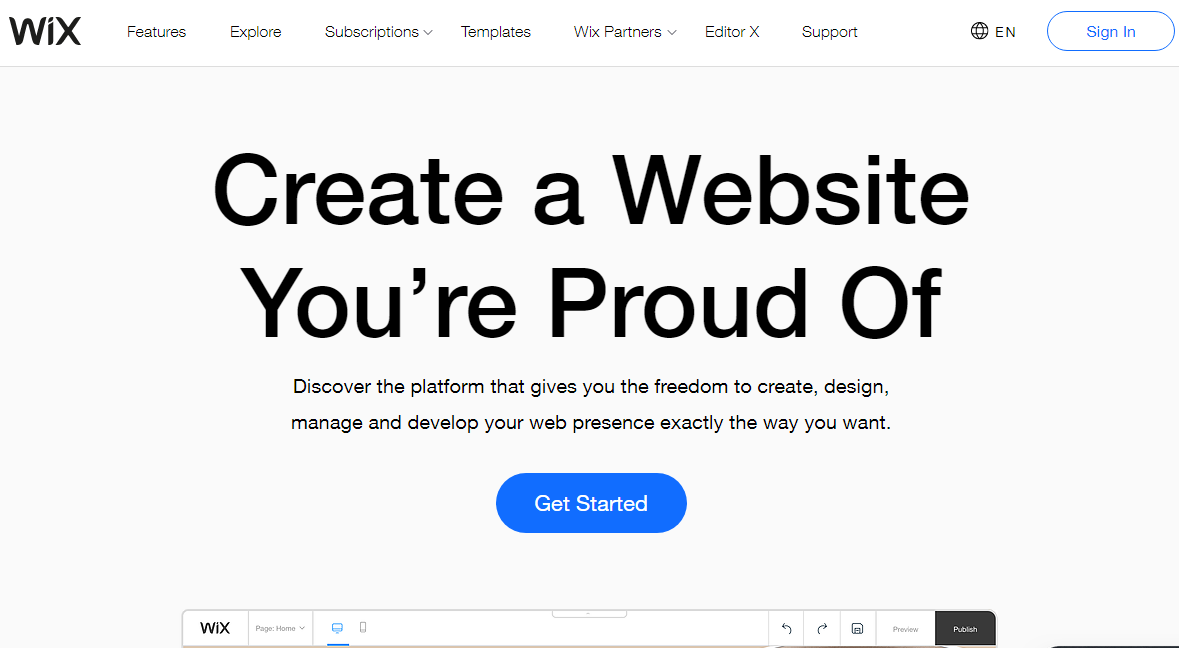
1. Wix
Perfect for beginners who want to customize everything without coding.
Why it’s great:
- Tons of templates made just for education
- Easy drag-and-drop editor
- Accepts payments right away
- Built-in video hosting
Best for: Teachers launching a personal brand or offering hobby courses.
2. Kajabi
This one’s a full-blown education platform with sales tools baked right in.
Why it’s amazing:
- Full course creation suite
- Email marketing and workflows included
- High-end UX design
- Excellent mobile experience
Best for: Serious edupreneurs who want to scale up and sell big.
3. Teachable
Super popular, super easy. A classic favorite for first-time course creators.
Why people love it:
- Build beautiful landing pages in minutes
- Simple interface for students
- Sell courses, coaching, and bundles
- Manage multiple instructors
Best for: Solo course creators and teacher teams just starting out.
Design That Makes Students Stick
Your students shouldn’t get lost. Or bored. Or frustrated. Good design solves all of that!
- Clean layout – Use headings, white space, and bullet points (like this list!).
- Consistent colors – Pick two or three colors and stick to them.
- Readable fonts – No curly scripts. Keep it simple and clear.
- Navigation bar – Make stuff easy to find!
Try to think like your user. If something takes more than three clicks to find, it’s too complicated.

Interactive Learning is Golden
Gone are the days of boring PowerPoints. Today, it’s all about interaction.
Add features like:
- Embedded quizzes and tests
- Interactive videos with clickable checkpoints
- Downloadable worksheets and guides
- Discussion boards or community chats
When students do things rather than just watch, they remember more and feel more connected. It’s science!
Gamify It!
Everyone loves a little goal-chasing and reward-earning.
Want to boost motivation? Try adding:
- Badges for completing lessons
- Progress bars that show how far along they are
- Points for participation
- Certificates for completing the course
These touches create a fun, game-like atmosphere that keeps learners coming back.
Keep Things Personal
Online doesn’t have to mean distant. Make your learner feel special!
Some great ways to personalize the experience:
- Use their name in emails and dashboards
- Let them self-pace or choose paths
- Send personalized progress updates
These little touches go a long way in building trust and loyalty.
Your Mobile Learners Are Waiting
Guess what? A lot of your students will be accessing your site from their phone.
So don’t ignore mobile design! Make sure your content looks just as good on a small screen:
- Use responsive templates
- Keep buttons big and easy to tap
- Break up long paragraphs
If it’s hard to navigate on mobile, people will just quit. Sad but true.
Tracking and Feedback FTW
How do you know what’s working and what’s not? Track it!
Use tools like Google Analytics or built-in dashboards from your website builder. Look at:
- Page views
- Completion rates
- Time spent on lessons
- User feedback and reviews
Data helps you tweak your site and offerings to be even better.
Pricing and Budget Tips
You don’t have to break the bank to launch a great site. Here’s the deal:
- Wix – Free plan available; paid plans start around $16/month
- Kajabi – Starts at $149/month, but it’s all-in-one
- Teachable – Free plan available; basic plan around $39/month
Free plans are okay to test things out, but eventually, paying gives you better tools, more storage, and fewer restrictions.
Final Thoughts: Have Fun Building!
Your online education business deserves a website that shines. With the right builder, great UX, and engaging content, you’ll be reaching students all around the world—in style!
Keep it simple, playful, and meaningful. Keep improving. And most of all, just start. Your learners are out there waiting for you!