Educators stepping into the dynamic world of online learning face more than just curriculum planning and lesson creation. A critical factor often overlooked is branding, and at the center of that is a distinctive and professional logo. As a representation of your educational style and values, a well-designed logo can elevate your credibility and make a lasting impression on your audience.
TL;DR: As online education becomes increasingly competitive, educators launching online courses must strategically build their brand. A professional logo is essential for credibility, visibility and consistency. Using intelligent and user-friendly logo makers, even non-designers can craft branding that resonates with learners. This article explores the top tools, key features, and best practices for creating logos that reflect teaching expertise and professionalism.
Why Educators Need a Professional Logo
First impressions matter—and in the digital learning landscape, a logo may be the first thing a potential student sees. Whether it’s featured on your online course platform, social media, or branded merchandise, a logo represents your teaching identity. More importantly, it can:
- Build Trust: A clean, polished logo signals professionalism and reliability.
- Enhance Recognition: Students can easily identify your educational materials across platforms.
- Convey Authority: Branding creates a sense of structure and legitimacy, especially in emerging online learning niches.
In today’s crowded online education space, it’s not just what you teach—it’s how you present it. Tools called logo makers are stepping in to help educators brand their courses without the need for costly designers.
What Are Logo Makers?
Logo makers are online platforms or apps that help users design logos using pre-built elements, AI-driven suggestions, and easy drag-and-drop tools. They’re an ideal solution for educators who want something quick, elegant, and functional without needing graphic design skills.
Most modern logo makers offer:
- AI-generated logo suggestions based on keywords and themes
- Customizable fonts, colors, and layout options
- Export settings for high-resolution logos suited for websites, PDFs, and video intros
These tools are particularly beneficial for educators who aim to develop an online course brand that looks both professional and educational without a steep learning curve.
Top Logo Makers for Educators
Here are some of the most trusted and educator-friendly logo makers available today, selected for their ease of use, features, and licensing rights:
-
Looka
Known for its intuitive AI, Looka allows educators to enter keywords and brand values to generate tailored logo designs. You can tweak typography, layout, and icons directly within their user-friendly interface. -
Canva
A widely-used design platform, Canva has specific logo templates for educators and online courses. Its drag-and-drop interface, educational theme options, and integrations with other Canva products make it ideal for cohesive branding. -
Tailor Brands
This tool blends technology with branding strategy. It provides brand guidelines and even a mini brand book after your logo is created—ideal for long-term use in a digital classroom. -
Hatchful by Shopify
Free and accessible to all, Hatchful offers theme-based logo creation without needing a Shopify store. It’s perfect for budget-conscious instructors creating their first course.
Each tool helps streamline the design process while enabling educators to maintain control over their visual messaging.
Important Design Considerations for Educational Branding
Before diving into design, educators should reflect on their teaching approach, course topics, and target audience. Here are essential aspects to consider:
- Typography: Fonts should be clear, readable, and aligned with education—think serif fonts for tradition, or sans-serif for a more modern feel.
- Color Psychology: Blue often conveys trust and intelligence, green suggests growth, while orange signals creativity and engagement.
- Iconography: Choose icons that align with your subject area but avoid clichés unless adapted creatively (e.g., not just a book—maybe a stylized book merging into a cloud).
These elements should blend well to evoke reliability, curiosity, and learning. Try creating a mood board or ask colleagues for feedback before finalizing your logo design.
Image not found in postmetaBrand Consistency Across Educational Platforms
More than just a logo, branding is about consistency. Educators must ensure their logo is used appropriately across:
- Course platforms (Teachable, Thinkific, Kajabi, Udemy)
- Video content (intros/outros, watermarks)
- Social media accounts (LinkedIn, Instagram, YouTube thumbnails)
- Printables and ebooks
Tools like Canva and Looka not only generate logos but also offer additional assets like color palettes, branded social media templates, and printed materials—all with visual alignment in mind.
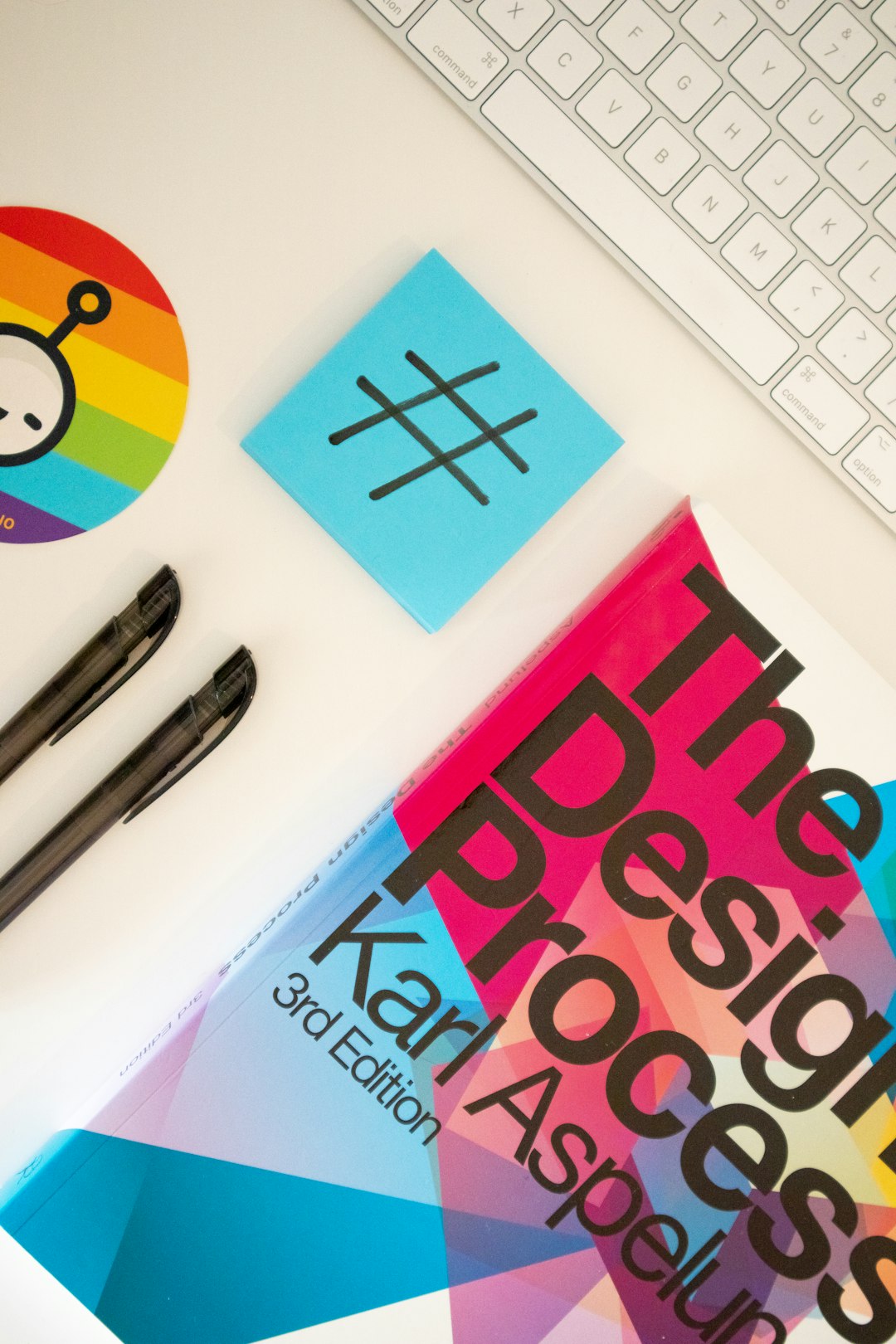
Remember: a strong brand is not just about looking good, it’s about being immediately recognizable to your learners, wherever they interact with you:
Legal Considerations: Ownership and Licensing
Not all logo makers come with the same licensing rights, which can be crucial when monetizing your course or scaling your brand. Consider the following before choosing a platform:
- Full Commercial Rights: Ensure the logo maker provides you full ownership, not just a license to use.
- Scalability: Can the logo be legally used if your course becomes part of a larger organization or you start selling merchandise?
- Trademarking: Some logo generators may use generic templates that cannot be trademarked. Look for originality protection if long-term branding is a goal.
Check the terms of service and consider emailing the platform support team for clarification, especially if you’re planning to build a scalable education brand.
Tips for Getting the Most from Your Logo Maker
To maximize your investment in a logo tool, consider these best practices:
- Start with a clear mission statement. This will help guide the design elements so they align with your course goals.
- Collect inspiration from other reputable educators, course marketplaces, or academic institutions.
- Design with longevity in mind. Avoid overly trendy fonts or clip-art icons that might feel outdated next semester.
- Test multiple concepts before locking in one logo. Share it with your students or peers for feedback.
Many designers use a “versioning” method—create three variations and test them in context. For example, upload them to your course thumbnail, see how they appear on a mobile device, or overlay them on a certificate template.
The Long-Term Impact of Strong Branding for Educators
As online education platforms mature, audiences are beginning to expect professional presentation—especially if the course is paid or certification-based. A thoughtful logo sets the tone for your educator persona and suggests that you value quality and attention to detail.
Great branding can even transcend a single course. Educators who plan to launch multiple offerings or build an educational brand (e.g. “LearnWithDrSmith”) can use the same logo across courses, newsletters, and speaking engagements. This creates a unifying brand presence that grows along with your expertise.
In short, branding is no longer optional. It’s a critical layer of your professional identity in the digital learning space.
Conclusion
For educators launching online courses, creating a recognizable and professional brand is more achievable—and more essential—than ever. Thanks to intelligent logo makers, the process no longer requires access to expensive design services or software. With clarity of purpose, the right tools, and attention to detail, any educator can develop a brand that not only earns attention but also fosters trust and long-term recognition.
Don’t overlook your logo; it’s not just a symbol—it’s the first page of your credibility story.