
In the ever-evolving landscape of social media, tools like MollyGram have emerged to offer users improved visibility, audience engagement, and content management on Instagram. With increased popularity comes a responsibility to understand how to use these tools securely and efficiently. If misused or misunderstood, users risk violating Instagram’s terms or even compromising their personal data. This guide aims to teach users how to navigate MollyGram with confidence, ensuring a safe and impactful Instagram experience.
TL;DR
MollyGram is a third-party tool designed to help boost Instagram engagement and reach. To use it safely, always ensure your login credentials are protected, avoid violating Instagram’s policies, and focus on ethical growth strategies. Being strategic, consistent, and security-conscious will ensure you gain real value without risking account penalties.
What is MollyGram?
MollyGram is a third-party Instagram growth service that offers tools designed to increase visibility, automate engagement, and provide analytics. Depending on the version or provider, MollyGram often includes features like:
- Auto-liking and following based on hashtags, geotags, or other filters
- Account analytics and follower metrics
- Content scheduling and management
- Hashtag research tools
While such tools can greatly improve your social media strategy, they need to be used wisely within Instagram’s defined boundaries.
Why Safety Matters When Using MollyGram
The popularity of automation tools like MollyGram has not gone unnoticed by Instagram. In recent years, the platform has become more aggressive in penalizing accounts using third-party services that breach its Terms of Use. Using MollyGram ineffectively or irresponsibly can lead to:
- Shadowbanning: Your content becomes invisible to non-followers.
- Temporary or permanent account suspensions.
- Security risks from entering details into non-verified tools.
It is essential to strike a balance between leveraging automation and maintaining organic credibility and trust.
Steps to Using MollyGram Safely
1. Verify Source Reliability
Only use the official and verified versions of MollyGram. Many fraudulent versions or clones exist which may be laced with malware or phishing schemes. Check reviews, contact support, and verify HTTPS security in the URL before inputting sensitive information.
2. Use a Secondary Email and Strong Passwords
If you must enter your Instagram login credentials, always use a strong, unique password and consider tying it to a secondary email account that isn’t linked to sensitive personal data.
For added protection, enable two-factor authentication on your Instagram account. This provides an extra layer of defense in case any information is compromised.
3. Stay Within Instagram’s Engagement Limits
Instagram sets specific limits on likes, follows, unfollows and comments per hour/day. Automated services can quickly exceed these, triggering red flags. To remain under the radar:
- Limit auto-likes to 100–200 per day
- Cap automatic follows at 50–100 per day
- Spread your engagement throughout the day
Gradual, natural-looking behavior is key to minimizing the risk of detection.
4. Avoid Comment Automation
Auto-comment features often appear spammy or inauthentic. Generic or mismatched comments can damage your reputation rather than improve engagement. Focus instead on authentic interactions that add value.
5. Review Analytics Thoughtfully
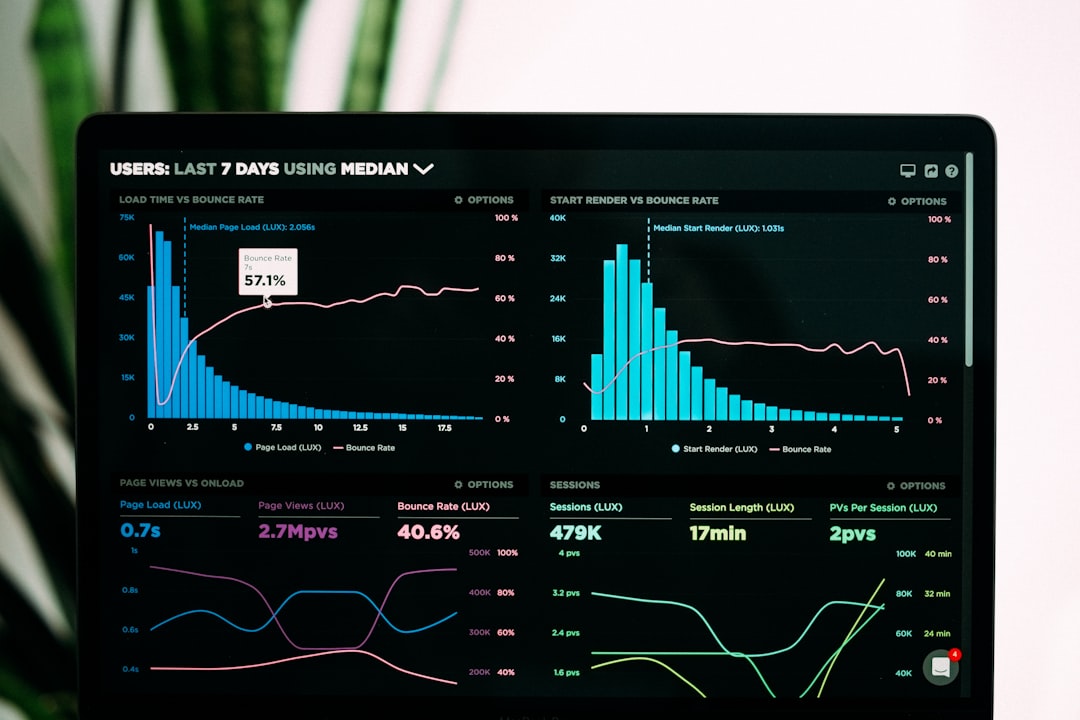
MollyGram offers analytic tools that track your audience engagements, growth rates, and top-performing content. Use this data for:
- Refining content strategies
- Understanding your audience demographics
- Posting at optimized times for engagement
Rather than over-relying on automation, these insights allow for smarter content creation and meaningful connections.
6. Use Schedule Features Responsibly
Scheduling content is a major productivity booster. However, keep your content diverse and authentic. Don’t simply repost trending posts; invest in high-quality visuals and captions that align with your brand identity.
Optimizing Your Instagram Presence with MollyGram
1. Set Realistic Growth Goals
Avoid falling into the trap of chasing vanity metrics like follower counts. Focus instead on:
- Gaining followers within your niche
- Increasing average engagement rates
- Building a community around your content
Slow, steady, and organic-looking growth always wins over rapid, spammy expansion.
2. Segment and Target Your Audience
MollyGram allows users to filter engagement based on hashtags, geolocation, and user profiles. Use these tools strategically by:
- Identifying hashtags common in your target audience
- Narrowing down engagement by location if you’re a local business
- Engaging with profiles that follow your competitors
This improves the quality and relevance of new followers, increasing your long-term engagement.
3. Combine MollyGram with Content Calendars
Creating and sticking to a content schedule is crucial for maintaining regular engagement. When combined with MollyGram’s scheduler, this can produce a seamless posting strategy. Plan your posts at least one week in advance with a mix of:
- Educational content
- Behind-the-scenes posts
- User-generated testimonials
- Calls to action

Legal and Ethical Considerations
Instagram does not endorse third-party automation tools, including services like MollyGram. Technically, using such tools may go against Instagram’s Terms of Use, particularly if automation mimics human interactions (liking, following, commenting).
To stay compliant:
- Read Instagram’s platform rules regularly as they can change
- Do not use bots to mislead followers or inflate metrics non-organically
- Focus on value-driven growth rather than shortcuts
Think long-term by building relationships, brand authenticity, and providing real content—automation should only assist, not replace meaningful outreach.
Warning Signs and Red Flags
Using MollyGram, or any third-party tool, requires continuous vigilance. Watch out for:
- Unusual login attempts from unfamiliar IP addresses
- A sudden drop in engagement
- Action blocks (Instagram temporarily stops you from liking/following)
- Followers complaining about seeing strange interactions
If you experience these, disable automation, update passwords, and conduct a security audit immediately.
Final Thoughts
When used responsibly and with awareness, MollyGram can complement your Instagram growth strategy by saving time, improving consistency, and offering valuable insights. However, it is not a magic solution—real engagement still requires human effort, creativity, and ethical practices.
Put security first, avoid over-automation, and remember that high-quality content will always outperform shortcuts in the long run. With the right blend of strategy, moderation, and respect for Instagram’s rules, MollyGram can be a powerful asset in your social media toolkit.