Artificial intelligence can now write stories, create music, and even design logos. But what about images? Many people are asking a simple question: Can LM Studio generate images? The answer is not as straightforward as a yes or no. It depends on what LM Studio is, what models you use, and how you set it up.
TLDR: LM Studio by itself does not directly generate images like Midjourney or DALL·E. It is mainly built to run large language models on your local computer. However, you can connect it to image generation models if you use the right tools and setup. With some extra steps, it can be part of an AI image workflow.
What Is LM Studio?
Let’s keep it simple.
LM Studio is a desktop app. It lets you download and run large language models (LLMs) on your own computer. That means you do not need to use the cloud. You do not need to send your data to external servers. Everything runs locally.
This is great for:
- Privacy
- Offline use
- Developers who like control
- People who want to experiment
Most people use LM Studio for text tasks. For example:
- Chatbots
- Writing assistants
- Code generation
- Text summaries
But images are a different story.
Text Models vs. Image Models
Here is where things get interesting.
LM Studio is mainly designed for large language models. These models understand and generate text. They predict words. They write paragraphs. They answer questions.
Image generation works differently.
Image models use special systems like:
- Diffusion models
- GANs (Generative Adversarial Networks)
- Multimodal models
These models predict pixels instead of words. They build images step by step. That takes different tools and different types of optimization.
So if you install LM Studio and expect it to instantly create anime characters or realistic portraits, you may feel disappointed.
So… Can It Generate Images?
Short answer: Not directly.
Out of the box, LM Studio is focused on text-based AI. It does not ship with built-in image generation models like Stable Diffusion.
However…
That does not mean you are stuck.
With some creativity, LM Studio can be part of a larger setup that includes image generation.
How People Combine LM Studio with Image Tools
Here is where things get fun.
Developers often combine tools. They let one model handle text. Another handles images.
For example:
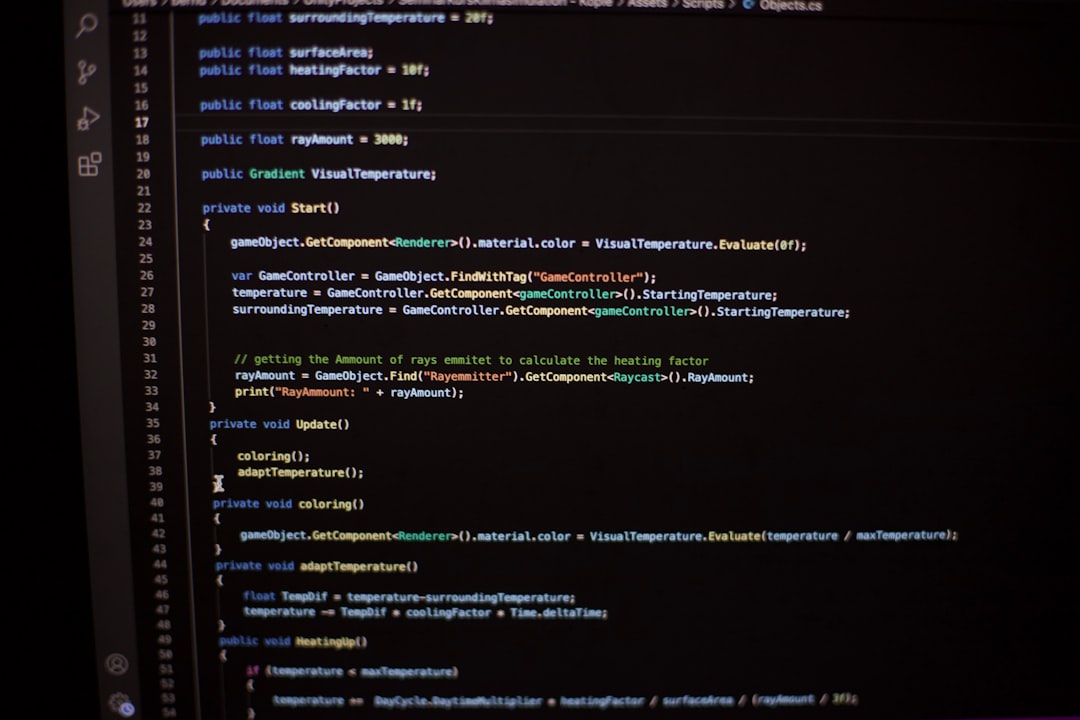
- You use LM Studio to generate a detailed prompt.
- That prompt is sent to an image model.
- The image model creates the picture.
This means LM Studio becomes the “brain” that writes amazing image descriptions.
Then a tool like a diffusion-based image generator becomes the “artist.”
This teamwork can produce powerful results.
Using LM Studio for Prompt Engineering
Let’s say you are not good at writing detailed prompts.
No problem.
You can ask a language model inside LM Studio:
- “Write a cinematic fantasy scene prompt.”
- “Create a hyper realistic portrait description.”
- “Make a cyberpunk city image prompt.”
The model can generate something like:
“A neon lit cyberpunk city at night, rain soaked streets, glowing signs, cinematic lighting, ultra detailed, 8k resolution.”
You copy that.
You paste it into your image generator.
Now you get a stunning visual result.
In this way, LM Studio indirectly helps create images.
Can LM Studio Run Multimodal Models?
Now let’s level up.
Some newer models are called multimodal models. They can understand both text and images.
For example, some models can:
- Analyze an image
- Describe what is inside it
- Answer questions about it
LM Studio has started adding support for some multimodal models. But support depends on the specific model and your hardware.
This means you might be able to:
- Upload an image
- Ask the model to describe it
- Get a detailed explanation
But that is image understanding.
It is not the same as image generation.
What Hardware Do You Need for Image Generation?
Image generation can be heavy.
Very heavy.
You usually need:
- A strong GPU
- A lot of VRAM
- Good cooling
Text models are already demanding. Image models can require even more power.
If your computer struggles with large language models, it may struggle even more with image creation.
This is one reason LM Studio focuses on optimized text models. Running everything locally is already challenging.
Why Doesn’t LM Studio Just Add Image Generation?
Good question.
The answer is focus.
LM Studio was designed as an easy way to manage and run language models locally. Adding full image generation pipelines would make the software much more complex.
It would require:
- Different model formats
- Different acceleration methods
- More memory management
- New user interface tools
That is a big project.
So for now, LM Studio keeps its main strength: text.
Creative Workflows You Can Try
Even without built-in image generation, you can build some cool workflows.
Here are a few ideas:
1. Story to Image Pipeline
- Write a short story using LM Studio.
- Extract key scenes.
- Turn each scene into an image prompt.
- Generate illustrations using an image AI.
You just created an illustrated storybook.
2. Character Design Assistant
- Ask the language model to describe a fantasy character.
- Refine clothing, mood, and background.
- Export final prompt to an image model.
You now have detailed concept art.
3. Marketing Visual Generator
- Describe your product.
- Ask LM Studio to create ad-style scene prompts.
- Generate visuals using an external tool.
This can save hours of brainstorming.
Will LM Studio Support Native Image Generation in the Future?
It is possible.
The AI world moves very fast.
New open models appear every few months. More tools are becoming unified. Multimodal systems are blending text and images together.
If lightweight image models become easier to run locally, LM Studio could one day support them more directly.
But as of now, it is not a full image generation platform.
Common Misunderstandings
Let’s clear up some confusion.
- Myth: LM Studio is an image generator.
Truth: It is mainly for language models. - Myth: If it runs AI, it must create images.
Truth: Different AI tasks need different model types. - Myth: You cannot use it for visual projects.
Truth: You can use it as part of a visual workflow.
Understanding this saves frustration.
Who Should Use LM Studio Anyway?
LM Studio is perfect for:
- Writers
- Developers
- Researchers
- Privacy-focused users
- Prompt engineers
If your main goal is generating beautiful AI art with one click, there are better dedicated tools.
But if you love control and experimentation, LM Studio is powerful.
Final Answer
So, can LM Studio generate images?
Not on its own.
It is mainly a platform for running language models. It does text extremely well. It gives you local control. It respects privacy.
However, when you combine it with image generation tools, it becomes a powerful creative partner. It can write prompts. It can design scenes. It can structure visual ideas.
Think of it like this:
LM Studio is the writer.
Your image generator is the painter.
Put them together, and you can build amazing things.
That is where the real magic happens.