In the fast-paced world of social media, Snapchat videos continue to dominate the attention of younger audiences. For content creators trying to leave their mark, accuracy and accessibility are just as critical as creativity. Incorporating captions and transcriptions into Snapchat content not only enhances accessibility for the deaf or hard-of-hearing community but also improves engagement for viewers watching with the sound off. That’s why choosing the right captioning and transcription tools is an essential part of any creator’s workflow.
TL;DR
Whether you’re a seasoned Snapchat creator or just starting out, using reliable captioning and transcription tools can dramatically elevate the quality of your content. While Descript, Otter, and Rev are top industry names, many creators explore various other alternatives that offer excellent accuracy, simple user interfaces, and valuable integrations. This guide dives into eight of the best options available today, catering specifically to those focused on Snapchat content. From AI-powered platforms to human transcription services, there’s a solution for every kind of creator.
1. Kapwing: All-in-One for Short-Form Video Editing
Kapwing is a go-to solution for many social media creators, especially those working with vertical videos like Snapchat Stories. It not only offers automatic captioning capabilities in real-time but also includes a very intuitive editor for manual adjustments.
- AI-generated subtitles within seconds
- Supports multiple languages
- Options for caption style customization
Creators love how seamlessly Kapwing integrates the video editing and captioning processes, allowing quick turnarounds for daily Snapchat uploads.
2. Simon Says AI: Precision for Pro Editors
Simon Says is an AI-powered transcription tool that pairs perfectly with editing software like Final Cut Pro and Adobe Premiere. It’s best suited for Snapchat creators handling more polished or documentary-style videos.
- Built for professional editors
- Excellent speaker identification and timestamp accuracy
- Ability to export transcripts and subtitles in multiple formats
While there’s a learning curve, professionals find it invaluable for long-form content that’s chopped into Snapchat-friendly stories.
3. Sonix.ai: Accuracy Meets Speed
Sonix is another powerful AI transcription and subtitling tool favored for its combination of top-tier accuracy and rapid turnaround. It works especially well for Snapchat creators managing heavy content pipelines.
- Supports over 40 languages and dialects
- Real-time transcript editing in-browser
- Highly accurate punctuation and grammar detection
Its simple collaborative features also make it great for teams.
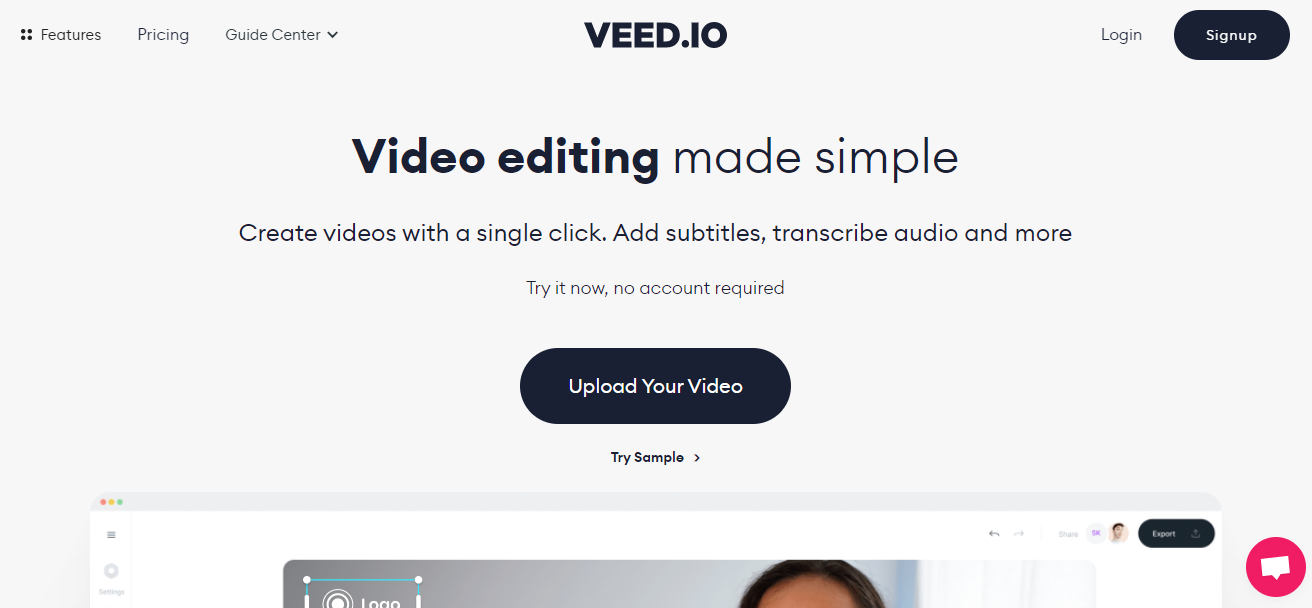
4. Veed.io: Perfect for Mobile-Friendly Formats
Designed around short-form video, Veed.io is a browser-based tool that streamlines the process of adding stylized, auto-generated captions to videos. Perfect for the Snapchat ecosystem, it’s widely known for its drag-and-drop user interface.
- Live transcription with speaker identification
- Wide variety of subtitle fonts and designs
- Supports direct uploads to social platforms
What sets Veed.io apart is its focus on mobile-first formats, making vertical-video captioning ridiculously easy and quick.
5. Zubtitle: Social Media Friendly by Design
If there’s one tool that was built almost entirely with social entrepreneurs in mind, it’s Zubtitle. This platform enables creators to add eye-catching subtitles that match the style of viral video content commonly seen on Snapchat Discover.
- Fully automated captioning in seconds
- Pre-built themes and fonts tailored for Snapchat and Instagram
- Smart headline generators for greater reach
Zubtitle is especially big with influencers and brand promoters who want a consistent look with little manual editing.
6. Happy Scribe: Multilingual Support and Export Flexibility
Happy Scribe offers a robust transcription and subtitle editor that supports over 120 languages. It’s the tool of choice for global content creators and journalists producing content for Snapchat audiences worldwide.
- High-accuracy AI and manual services
- Interactive editor with audio sync
- Export subtitles in any format from SRT to STL
If Snap creators want to localize their videos, Happy Scribe makes that process both easy and professional.
7. SubtitleBee: Focus on Automation and Branding
SubtitleBee is tailored toward creators who thrive on consistency and brand-friendly captions. With automation driving almost every step, it’s ideal for producing Snapchat content in bulk without sacrificing personal style.
- Auto-captioning and translation support
- Custom branding with logos, fonts, and colors
- Flexible plans for small creators and businesses
Most Snapchat creators who post multiple times daily appreciate SubtitleBee’s time-saving features without missing aesthetic details.
8. TellyPrompt: Real-Time Captioning with Teleprompter Feel
This relatively newer entrant offers a twist — combining teleprompter features with live captioning. Great for Snapchat creators who record vlogs or talking-head videos where scripted delivery improves flow.
- Real-time prompt and transcript generation
- Word-by-word highlighting and real-time speaking metrics
- Supports export in subtitle formats for Snap uploading
It’s especially helpful for creators doing FAQ-style videos or educational content on Snapchat.

Conclusion
Creating accurate and stylized captions for Snapchat videos is no longer a tedious chore — thanks to advances in transcription and AI. While well-known platforms like Descript, Otter, and Rev are still excellent options, exploring specialized tools such as Kapwing, Veed.io, or SubtitleBee can unlock new levels of creativity and engagement. Each tool mentioned here solves unique problems for different types of creators, from solo influencers to production teams.
The right choice largely depends on your needs, whether it’s multilingual support, bulk automation, or just an easy way to keep your captions on-brand for Snapchat’s audience. Investing in the correct tool today might just be the upgrade your content strategy needs.
FAQs
- Q: Which captioning tool is best for quick Snapchat Stories edits?
A: Kapwing and Veed.io are both optimized for fast, mobile-friendly video editing with auto-captioning. - Q: Are there any tools that support multiple languages?
A: Happy Scribe and Sonix.ai provide extensive language support for creators with global audiences. - Q: Can I brand my Snapchat captions with custom fonts and colors?
A: Yes, SubtitleBee and Zubtitle both offer branding features for fonts, logos, and color palettes. - Q: What’s the most beginner-friendly captioning tool?
A: Zubtitle and Veed.io are easy to use even for those with no video editing experience. - Q: Are there free captioning tools I can start with?
A: Most tools like Kapwing and Veed.io offer free tiers with limited features, suitable for testing before upgrading.