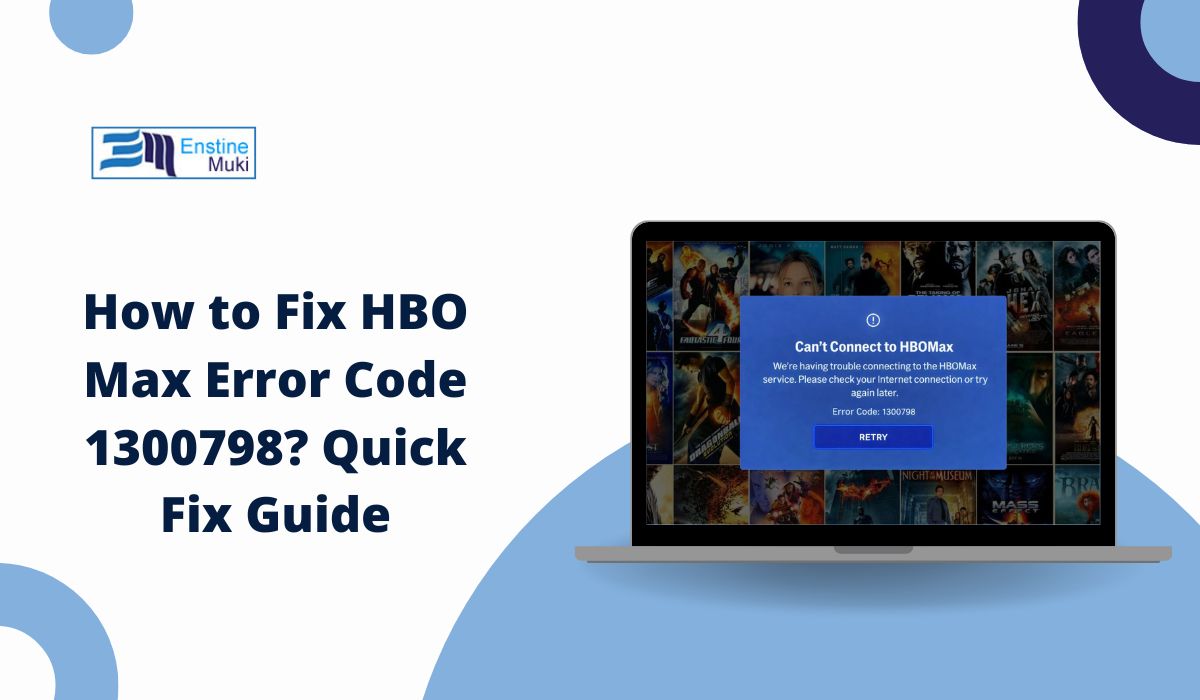
Sometimes you just want to press play and relax, but instead, HBO Max error code 1300798 shows up and stops everything. It usually happens right when a movie or episode should start, which makes it even more annoying. When this error appears, streaming does not continue, even though the app itself may look fine.
This guide explains what the error means, where it shows up, why it happens, and what you can do to avoid seeing it again. By the end, you should have a clear idea of what is going wrong and what steps matter next.
What Is HBO Max Error Code 1300798?
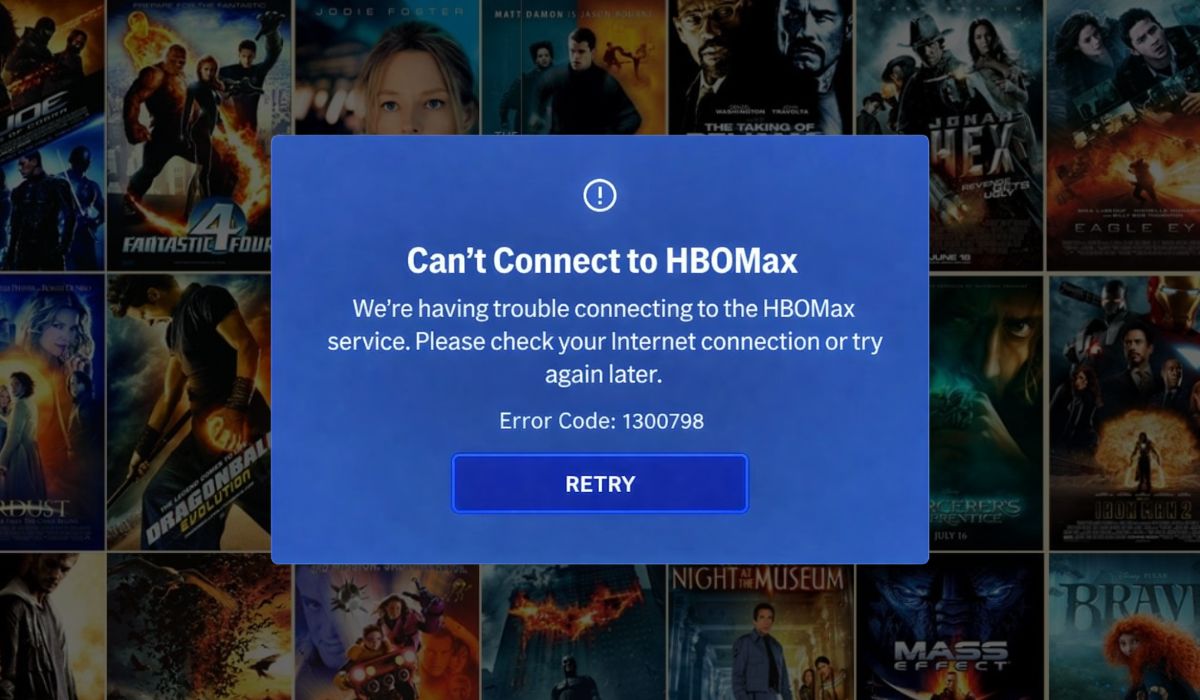
When HBO Max error code 1300798 appears, it means the app cannot complete a video playback request. The request reaches the platform, but the stream fails during loading or validation. In most cases, the issue sits between the HBO Max app, your device, and the network connection used to deliver the video. This can involve content authorization, streaming initialization, or communication with HBO Max servers operated by Warner Bros. Discovery. The app does not crash, but playback never starts, which signals a playback-level failure rather than a login problem.
You usually see this error after selecting a title and pressing play. It can appear on Smart TVs, streaming devices like Roku or Fire TV, mobile apps on Android or iOS, and even web browsers such as Chrome or Edge. The screen may freeze briefly, then show the error code without further detail.
Common Causes of HBO Max Error Code 1300798
This error does not have a single cause. It often depends on your device, internet setup, and how the HBO Max app connects to streaming servers. Understanding these causes helps narrow down what actually needs attention instead of trying random changes.
Common reasons behind error code 1300798 include:
- An unstable internet connection that drops during video loading
- Corrupted cache or temporary data inside the HBO Max app
- An outdated HBO Max app that no longer syncs well with current servers
- VPN, proxy, or custom DNS settings interfering with content delivery
- Smart TV or streaming device firmware that is no longer supported
- Account session or playback authorization issues
- Temporary service disruptions on HBO Max or its content delivery network
How to Fix HBO Max Error Code 1300798?
This error usually appears when HBO Max cannot finish a playback request. The issue often comes from temporary app problems, unstable internet, or device-level conflicts.
In most cases, fixing the connection between the app, your device, and HBO Max servers clears the error quickly. Start with the simple fixes first, then move to the more specific ones if needed.
Fix #1: Restart the HBO Max App and Your Device
This error often shows up when the app gets stuck during video loading. Restarting clears temporary memory issues and resets the streaming session. When you restart both the app and the device, HBO Max reconnects fresh to its servers.
Many users see the error disappear right after this step because the playback request runs again without interruption.
Fix #2: Check Your Internet Connection Stability
HBO Max needs a steady internet connection to stream video. Even short drops in Wi-Fi can stop playback and trigger error code 1300798. This happens more often on shared networks or weak signals. Once your connection becomes stable, the app can load and play content normally without failing during startup.
Fix #3: Clear HBO Max App Cache or Temporary Data
Corrupted cache files can block video playback even when the app opens normally. Clearing the cache removes broken data and forces the app to rebuild clean files.
Follow the steps below to easily clear app cache:
- Open your device settings
- Go to Apps or Application Manager
- Select HBO Max
- Tap Storage
- Choose Clear Cache
- Close settings and reopen the app
After this, HBO Max usually starts playback without errors.
Fix #4: Update the HBO Max App
Older versions of the HBO Max app may lose compatibility with current streaming systems. When this happens, playback validation can fail.
Here’s how you can update the app in just a few seconds:
- Open the app store on your device
- Search for HBO Max
- Tap Update if available
- Wait for the update to finish
- Restart the app
Updating ensures the app works correctly with HBO Max servers.
Fix #5: Update Your Device or TV Software
Device software controls how apps run. Outdated firmware can cause streaming apps to fail during playback.
The following steps will show you how to update your device properly:
- Open device or TV settings
- Go to System or About
- Select Software Update
- Install any available updates
- Restart the device
This fix is especially important for Smart TVs and streaming devices.
Fix #6: Disable VPN, Proxy, or Custom DNS
HBO Max uses region checks and secure routing to deliver content. VPNs, proxies, or custom DNS settings can interfere with this process and stop playback.
Turn off these services completely, then restart the app. In many cases, the error stops appearing once traffic routes normally through your internet provider.
Fix #7: Sign Out and Sign Back Into Your HBO Max Account
Sometimes the app keeps an expired or broken session. When this happens, playback fails even though browsing still works. Signing out refreshes your account session and forces the app to request new playback authorization.
After signing back in, HBO Max often plays content without showing error code 1300798.
Fix #8: Try a Different Network
Some networks block or limit streaming traffic. Switching to another network helps confirm whether the issue comes from your internet provider. If HBO Max works on a different Wi-Fi or mobile data, the original network is likely the cause.
Fix #9: Use a Different Device or Browser
This step helps identify device-specific problems. If HBO Max plays normally on another phone, TV, or browser using the same account, the issue stays limited to the original device. In that case, updating, resetting, or troubleshooting that device becomes the next logical step.
Prevention Tips to Avoid HBO Max Error Code 1300798 in the Future
Preventing this error is often easier than fixing it repeatedly. Small habits help keep streaming smooth and reduce sudden playback failures. When systems stay updated and connections stay stable, errors like this appear far less often.
To reduce the chance of seeing error code 1300798 again:
- Keep the HBO Max app updated on all devices
- Restart your router once a week to refresh the connection
- Avoid using VPNs while streaming region-locked content
- Use stable Wi-Fi or a wired connection for Smart TVs
- Clear app cache occasionally to remove corrupted data
- Update Smart TV or streaming device software when available
- Sign out and back into your HBO Max account after major updates
Conclusion
In short, HBO Max error code 1300798 appears when the app cannot start video playback, even though it opens normally. The problem usually connects to internet stability, app data issues, device compatibility, or how playback is authorized between your device and HBO Max servers.
If you see this error often, take time to review the causes and prevention tips carefully. They usually point to the real issue. When the error keeps coming back after basic checks, contacting official HBO Max support is the right move, especially for account or service-level problems. If this article helped you, consider sharing it with others who stream on HBO Max, and feel free to leave a comment about what worked for you.