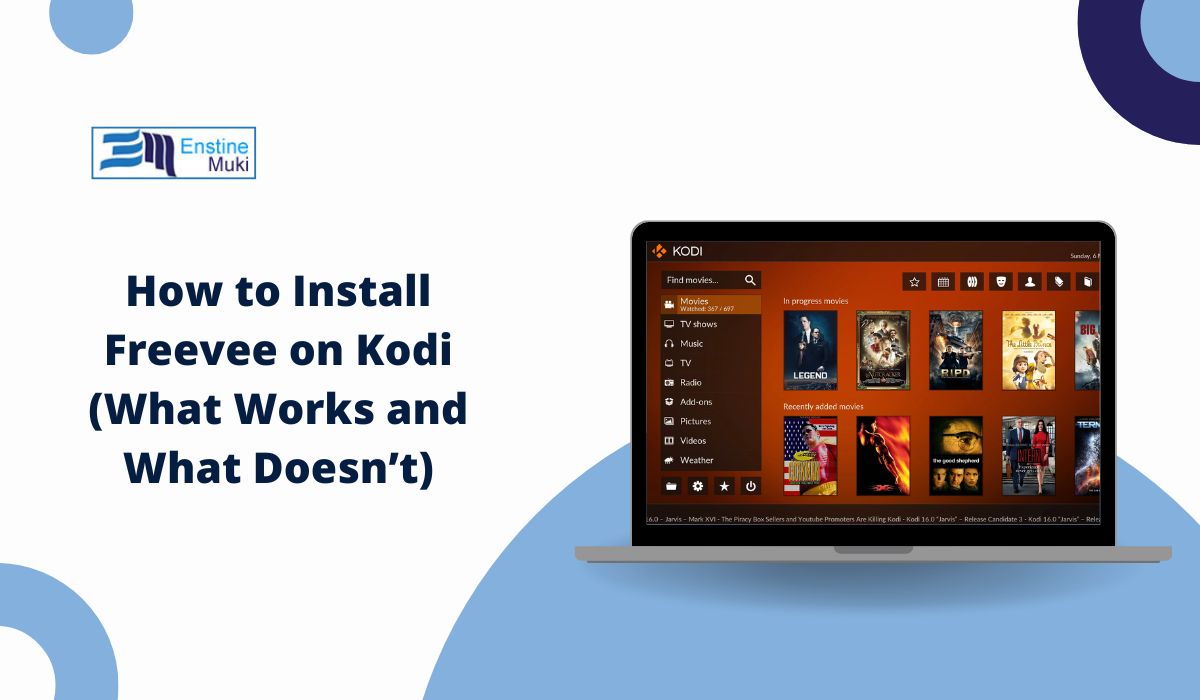
Many Kodi users search for Freevee because it offers free movies and TV shows with ads. The confusion starts when people open Kodi and can’t find Freevee anywhere. This article explains the reality clearly. It shows what works, what does not, and why some methods fail. If you expect a direct install, this may feel odd at first, but stick with it. The answer is simpler than it looks.
What is Freevee and how does it work?
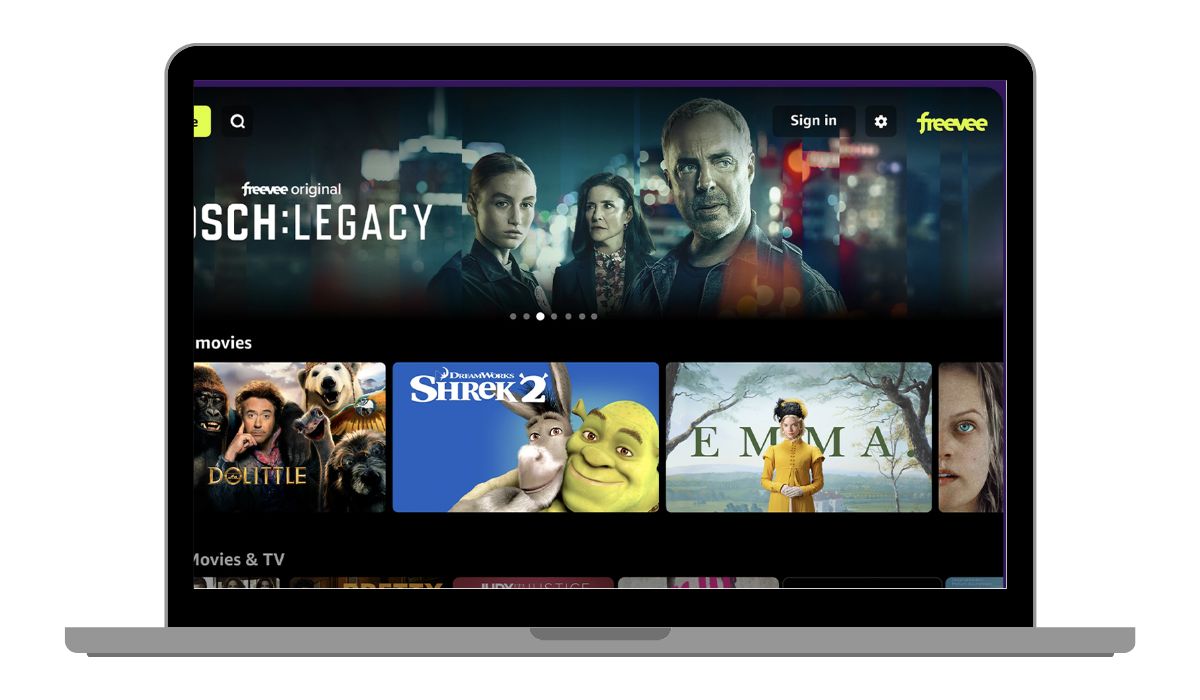
Freevee is a free streaming platform owned by Amazon. It shows movies, TV series, and live channels with ads. You don’t need a paid subscription, but you usually need an Amazon account to access all features.
Freevee used to be called IMDb TV. After the name change, Amazon also changed how the service connects with other apps. This change matters a lot for Kodi users, because older add-ons stopped working.
Can You Install Freevee Directly on Kodi?
Short answer: no.
Kodi does not support Android or Fire TV apps. It only works with Kodi add-ons built for its system. Freevee is not built as a Kodi add-on, and Amazon does not offer one. Because of this, there is no direct way to install Freevee inside Kodi.
This is not a bug. It is a design limit.
Why Freevee Is Not Available as a Kodi Add-on
Several technical and platform rules block this.
- Freevee uses DRM protection for streaming
- Amazon does not provide a public API for Kodi
- Kodi add-ons cannot run native Amazon apps
- Freevee relies on Amazon account systems
- Old IMDb TV add-ons lost access after rebranding
Kodi supports open streaming sources well. Freevee does not fall into that group.
Are There Any Working Freevee Add-ons for Kodi?
No official one exists.
Some websites claim they offer a Freevee or IMDb TV add-on for Kodi. Most of these do not work anymore. Others may install but show no streams. Some can even cause security problems.
If you see a repository promising “Freevee for Kodi,” be careful. There is no trusted or supported Freevee add-on right now.
How to Watch Freevee on Devices That Also Use Kodi
This is where most users find a solution. You don’t run Freevee inside Kodi. You run it on the same device, outside Kodi.
Method 1: Use the Freevee App on the Same Device
This works best on devices like:
- Fire TV Stick
- Android TV
- Smart TVs that support Freevee
You install the Freevee app from the app store. Kodi stays installed, but unused while watching Freevee. You switch apps using the remote.
Method 2: Screen Mirroring to a Kodi Device
This works if your Kodi device connects to a TV.
- Open Freevee on a phone or computer
- Use screen mirroring or casting
- Display Freevee on the TV
- Kodi does not play the stream
This feels clumsy, but it works when apps are limited.
Method 3: Use a Web Browser Instead of Kodi
On a PC or laptop, this is the easiest option.
- Open a supported web browser
- Visit the Freevee website
- Sign in with an Amazon account
Kodi works best for local media. Browsers work better for Freevee.
Why Old IMDb TV Kodi Add-ons Stopped Working
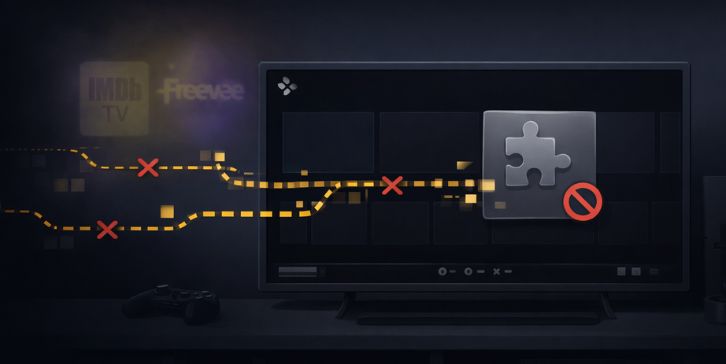
When IMDb TV became Freevee, Amazon shut down older access paths. Kodi add-ons built around IMDb TV could no longer fetch streams. DRM rules became stricter. Login systems changed.
Because of this, even add-ons that worked years ago now fail. There is no simple fix for that.
Common Problems People Face When Trying Freevee on Kodi
These issues appear often in forums:
- Add-on installs but shows nothing
- Playback fails or never starts
- Login not supported
- Region blocks content
- Streams disappear after updates
- Add-on stops working suddenly
Most of these are not user mistakes. They come from platform limits.
Is It Legal and Safe to Use Freevee with Kodi?
Freevee itself is legal and free to watch. Kodi is legal software. The risk starts with unofficial add-ons that claim to bypass limits.
Using the official Freevee app or website is the safest choice. Unofficial Kodi add-ons may break terms or stop working without warning.
Final Answer
Kodi is not the right tool for Freevee. It was never designed for closed streaming platforms like Amazon services. Freevee works best as a standalone app or through a browser.
If you use Kodi for local media and open add-ons, keep doing that. For Freevee, switch apps. It saves time and avoids errors.
If you’ve found a setup that works well, or if something here failed for you, share it in the comments. Your experience can help other users who feel stuck.