


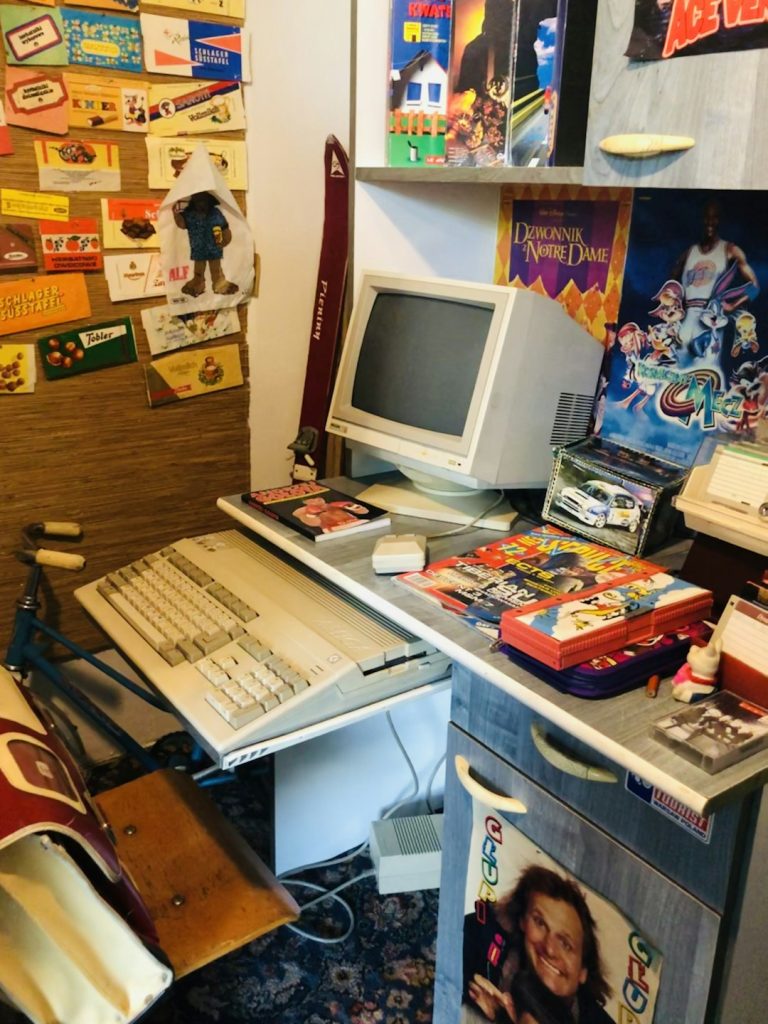
Remember the days of playing Pokémon, Metroid, and Zelda on your Game Boy Advance? Good times, right? Well, the fun doesn’t have to stop just because the console is retired. You can bring back those nostalgic memories right on your PC or Android device using a GBA emulator!
TL;DR:
The best GBA emulator for PC is mGBA—fast, open-source, and easy to use. For Android, go with My Boy!—it’s smooth, feature-packed, and supports save states and cheats. Both give you that original GBA feel without needing the old hardware. Read on for more options and why they’re awesome!
What Is a GBA Emulator?
A GBA emulator is software that mimics the Game Boy Advance console. It lets you play GBA games (called ROMs) on devices like your computer or smartphone. Think of it like turning your phone into a Game Boy—cool, right?
So how do you choose the best emulator? Let’s break down the top ones for PC and Android.
🏆 Best GBA Emulators for PC
Whether you’re running Windows, macOS, or even Linux, these emulators will work like a charm!
1. mGBA
- Platform: Windows, macOS, Linux
- Why we love it: Lightweight, fast, and accurate
- Extras: Cheat code support, save and load states, screen recording
mGBA is hands down the best GBA emulator for PC. It runs nearly any GBA game smoothly. Plus, it’s been under constant development and gets regular updates.
If you want a plug-and-play experience, this is for you.
2. VisualBoy Advance (VBA-M)
- Platform: Windows, macOS
- Why we love it: A classic with tons of features
- Extras: Multiplayer support, cheats, filters
VBA-M is a fan-favorite. It’s been around forever and offers tools for hardcore gamers and speedrunners.
The downside? Slightly outdated interface. But who cares when it’s this powerful?
3. RetroArch
- Platform: Cross-platform
- Why we love it: All-in-one emulator hub
- Extras: Custom screens, network play, shader effects
RetroArch isn’t just for GBA. It’s for everything. NES, SNES, GBA, PS1—you name it.
It’s bulkier than the others, but great if you love emulating multiple systems.

📱 Best GBA Emulators for Android
Playing GBA games on the go? Yes, please! Here are your top options for Android users:
1. My Boy!
- Platform: Android
- Why we love it: Fast, stable, and loaded with features
- Extras: Fast-forward, cheat codes, save/load states, link cable emulation
This app gets you closest to the real GBA experience. Whether you’re catching Pokémon or jumping on Goombas, gameplay is smooth as butter.
There’s a free version and a premium one. Premium removes ads and adds extra features. Totally worth it!
2. John GBA
- Platform: Android
- Why we love it: Clean interface and super customizable
- Extras: Dropbox integration, controller support, cool visual filters
John GBA is a solid alternative. It pulls ROMs from your phone memory or online storage. Very handy!
You can even link it with John DataSync to keep saves backed up.
3. RetroArch Android
- Platform: Android
- Why we love it: Same great RetroArch experience, but on your phone
- Extras: Core switching, customizable controls, achievement system
It’s the Swiss army knife of emulators. Use the ‘mGBA’ core for the best GBA performance on Android.
It’s a bit complex, but perfect for tweak lovers and tinkerers.

Things to Look For in a GBA Emulator
Here are the features that matter when picking your emulator:
- Save and Load States: Save your game anytime—super helpful!
- Fast Forward: Speed through boring grindy parts
- Cheat Codes: Play with GameShark or CodeBreaker support
- Controller Support: Add a Bluetooth controller for classic feel
- Multiplayer Capabilities: Some emulators simulate link cables. Play with friends!
- Compatibility: Make sure it works with your favorite games
If your emulator has all that, you’re golden!
FAQs About GBA Emulators
Are GBA emulators legal?
Emulators themselves are legal. But downloading ROMs of games you don’t own is a gray area. The safest path? Dump your own game cartridges using special tools.
Can I use a controller?
Yes! Most emulators support gamepads or even touch screen mapping. Hook up your Xbox, PS, or Bluetooth controller and start playing!
Do I need a powerful device?
Not really. GBA emulators are lightweight. Even older PCs or budget Android phones can run them without problems.
Where do I find GBA ROMs?
We can’t link to ROM sites, but there are many online. Again, only download games you legally own!
Honorable Mentions
- No$GBA: Great for testing GBA and Nintendo DS games, but can be tricky to set up.
- Pizza Boy GBA: A new Android emulator that’s super sleek and battery-friendly!
- BatGBA: Ultra-light choice for older Windows machines. Simple and fast.
Final Thoughts
Whether you’re gaming on your laptop or smartphone, a great GBA emulator can bring those pixel-perfect memories back to life.
Here’s our quick recap:
- PC: Go for mGBA or VBA-M
- Android: Try My Boy! or John GBA
- Advanced users: Dive into RetroArch for versatility

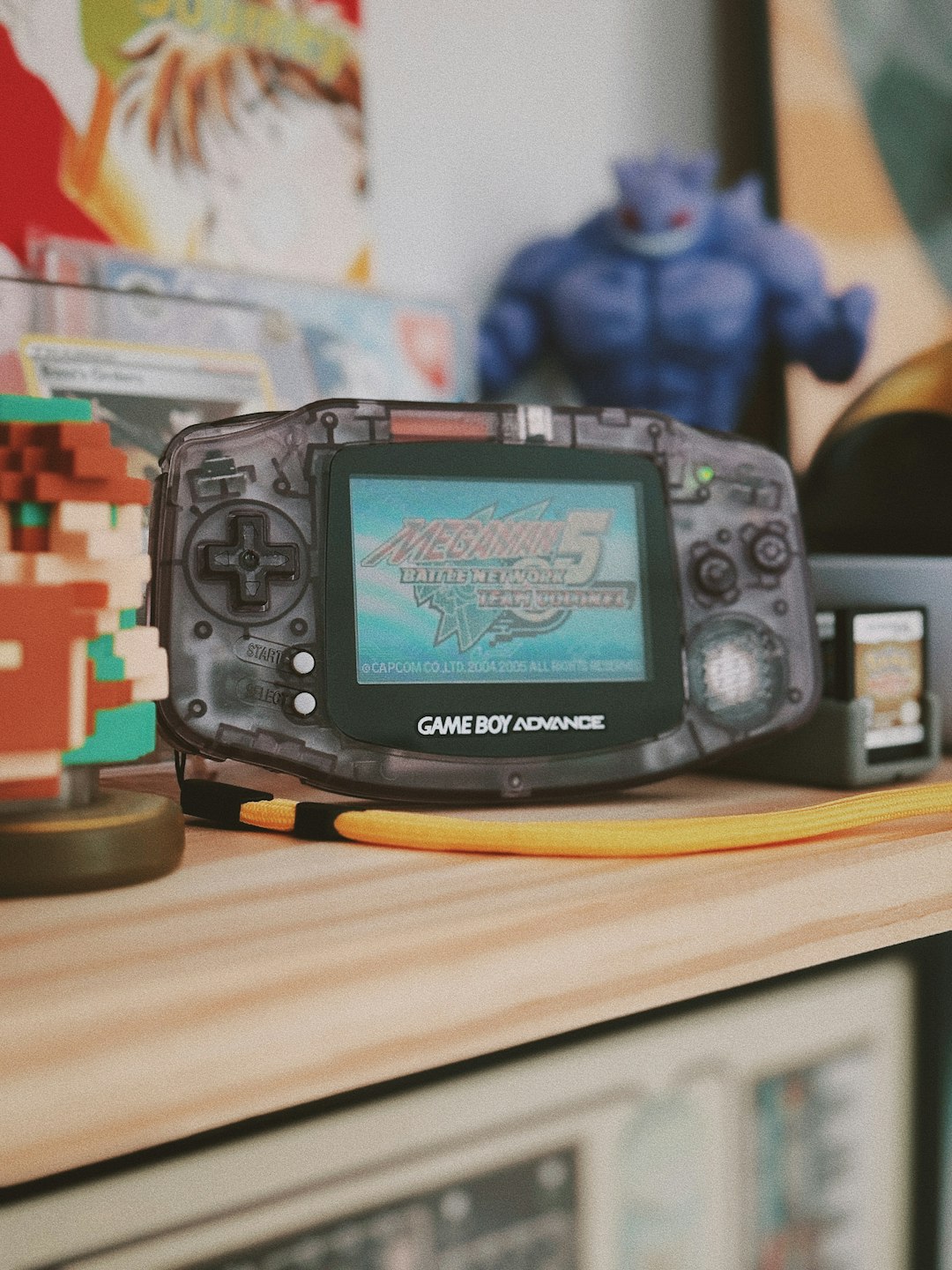
Now, fire up your emulator, load your favorite ROM, and enjoy that classic GBA magic—wherever and whenever you want!