



Short-form video has become the most competitive format in digital marketing. Brands, creators, and agencies are under pressure to produce high-impact Reels and Shorts that captivate viewers within seconds. Choosing the right editing workflow is no longer optional—it directly influences retention rate, engagement, and overall performance.
TLDR: CapCut and Canva both offer powerful video editing capabilities for creating high-impact Reels and Shorts, but they excel in different areas. CapCut provides more advanced timeline control, dynamic effects, and algorithm-friendly tools. Canva offers streamlined templates, brand consistency features, and ease of use. The best method depends on your editing skill level, creative needs, and production speed requirements.
Understanding the Strategic Difference Between CapCut and Canva
Before diving into specific methods, it is important to understand the core positioning of each platform.
- CapCut is a timeline-based video editor developed with dynamic social media content in mind. It emphasizes transitions, motion effects, and algorithm-optimized formats.
- Canva is a design-first platform that incorporates video editing into its broader branding ecosystem, focusing on templates, simplicity, and team collaboration.
While both can produce compelling Shorts and Reels, the workflow you choose significantly impacts production efficiency and viewer retention.


Method 1: CapCut’s Dynamic Timeline Workflow for Maximum Retention
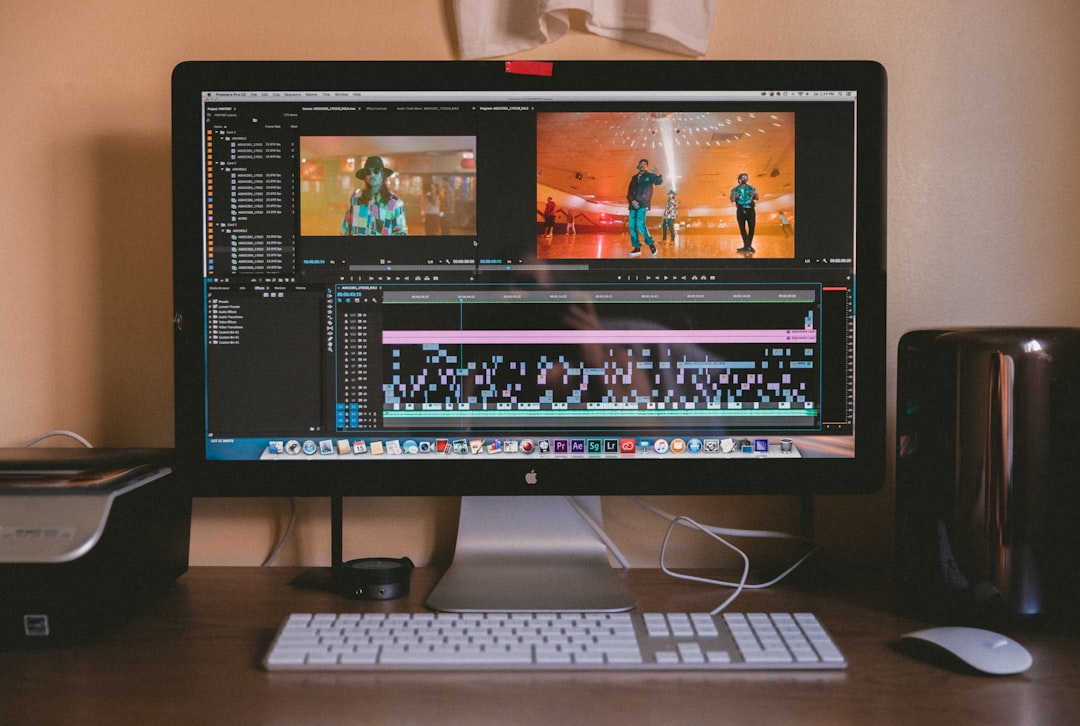
High-impact short videos rely heavily on pacing, rhythm, and visual stimulation. CapCut’s timeline editing method offers granular control that allows creators to optimize these elements precisely.
Why This Method Works
Short-form platforms reward watch time and completion rate. CapCut’s features make it easier to:
- Add beat-synced transitions
- Insert frequent pattern interrupts
- Apply motion tracking and auto captions
- Fine-tune frame-level cuts
This method is particularly effective for:
- Fitness videos
- Product demonstrations
- Educational micro-content
- Trend-driven edits
Step-by-Step Execution
- Import vertical footage (9:16 ratio).
- Cut aggressively—aim for scene changes every 1–3 seconds.
- Sync transitions to audio beats using waveform visualization.
- Add animated captions to improve accessibility and retention.
- Apply subtle motion effects (zoom in, camera shake) to prevent static frames.
The goal is to create controlled intensity. CapCut allows editors to design an intentional rhythm that keeps viewers engaged through the final second.
Key Advantage: Deep timeline control ensures every frame contributes to retention.
Limitation: Requires moderate editing skill to fully leverage tools.
Method 2: Canva’s Template-Based Brand Authority Approach
For creators prioritizing speed, consistency, and professional polish, Canva’s structured template workflow offers a different but equally powerful solution.
This method focuses less on dynamic editing tricks and more on clarity, visual hierarchy, and brand recognition.

Why This Method Works
Repetitive branding builds trust. Canva enables:
- Instant loading of brand fonts and colors
- Reusable intro and outro clips
- Drag-and-drop animations
- Team collaboration and shared assets
This workflow is ideal for:
- Business coaching content
- Real estate listings
- Corporate marketing updates
- Educational talking-head videos
Step-by-Step Execution
- Select a 9:16 animated video template.
- Apply your brand kit for consistent color and typography.
- Insert short video clips or still visuals.
- Add text overlays using preset motion styles.
- Export in high-quality MP4 optimized for mobile viewing.
This approach emphasizes message clarity over flashy effects. It positions the creator as deliberate and authoritative.
Key Advantage: Fast production with visual consistency.
Limitation: Limited control over micro-transitions and advanced motion design.
Method 3: Hybrid Workflow — CapCut for Motion, Canva for Branding
High-performing creators increasingly combine both tools. This hybrid model leverages CapCut’s editing flexibility while using Canva to reinforce brand identity.

How the Hybrid Method Works
- Edit and apply dynamic cuts in CapCut.
- Export the video without background branding elements.
- Import into Canva to overlay branded intros, lower-thirds, and call-to-action slides.
- Finalize with consistent typography and layout.
This method is effective because it balances:
- Engagement mechanics (movement, rhythm, pattern interrupts)
- Brand memorability (color, structure, logo consistency)
The hybrid approach is particularly useful for agencies or scaling creators managing multiple channels.
Key Advantage: Combines performance-driven editing with premium branding.
Limitation: Requires exporting and re-importing, adding production time.
CapCut vs Canva: Feature Comparison Chart
| Feature | CapCut | Canva |
|---|---|---|
| Editing Style | Timeline-based, advanced cuts | Template-based, drag-and-drop |
| Ease of Use | Moderate learning curve | Beginner-friendly |
| Transitions & Effects | Extensive, customizable | Limited but polished presets |
| Brand Kit Integration | Minimal | Strong built-in brand management |
| Caption Automation | Advanced auto captions | Basic text animation |
| Best For | Trend-driven, high-energy content | Professional, structured messaging |
| Collaboration | Limited | Strong team collaboration tools |
| Export Optimization | Optimized for TikTok formats | General social media export |
When to Choose CapCut
CapCut is typically the better option when:
- Your content depends heavily on audio trends.
- You require advanced motion effects.
- Watch-time optimization is a primary KPI.
- You need frame-level precision.
For creators focused on growth through viral mechanics, CapCut provides stronger retention-oriented control.
When to Choose Canva
Canva is preferable when:
- Brand consistency is critical.
- Multiple team members contribute to content.
- You prioritize speed over complex animation.
- You want cohesive design across social and web.
Businesses emphasizing professional authority often benefit from Canva’s structured aesthetic.
Final Considerations for High-Impact Reels and Shorts
Regardless of the tool, three universal principles determine short-form success:
- Hook within the first two seconds.
- Maintain visual progression every few seconds.
- End with a clear call to action.
CapCut makes it easier to engineer rapid pattern shifts. Canva ensures viewers clearly associate your content with your brand identity. The most strategic creators understand that tools are not competitors—they are solutions for specific stages of the production pipeline.
Ultimately, the choice between CapCut and Canva depends on whether your priority is performance intensity or brand control. For many professionals, mastering both platforms provides a decisive competitive advantage in today’s short-form ecosystem.
High-impact Reels and Shorts are not accidental. They are the product of deliberate editing frameworks, optimized workflows, and clear brand positioning. Selecting the proper method ensures your content does more than look good—it performs.