


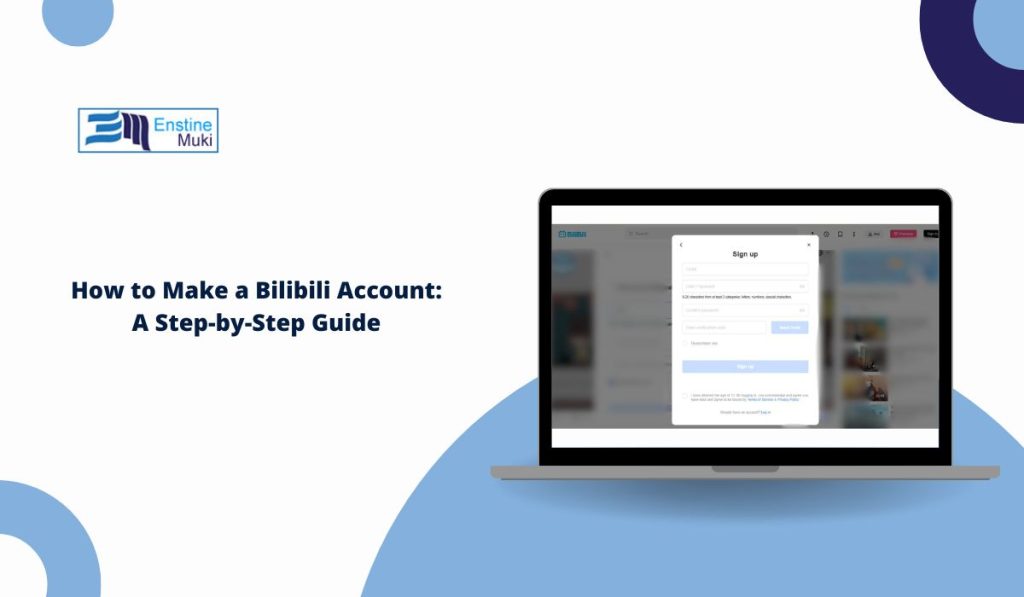
Bilibili is a popular video platform known for anime, gaming clips, danmaku comments, and livestreams. Many new users want to join but get confused by the sign-up page, since some parts appear in Chinese and the layout feels different from other apps. Creating an account is simple once you know where the buttons are. This guide explains each step in plain language for both the app and the website.
What You Need Before Signing Up?
To create a Bilibili account, you need a phone number or an email address. Either option works. You also need a stable internet connection and the Bilibili app or a browser. Some users outside China may need to switch the region during signup, but most overseas signups still work with phone or email.
You do not need a VPN just to create an account.
How to Sign Up on the Bilibili App
The app is the easiest place to register. Follow these steps:
- Install the Bilibili app from your app store.
- Open it and tap Me in the bottom-right corner.
- Choose Sign Up.
- Pick Phone or Email.
- Enter your details.
- Wait for the verification code.
- Type the code in the box.
- Set your password to finish.
Once your account is verified, you can start following channels, watching videos, and sending danmaku comments.
How to Create a Bilibili Account on the Website

You can also register at bilibili.com using a browser. The process looks almost the same as the app, but the layout is wider and the menu sits on the top-right corner.
Steps include:
- Click the Login / Register button
- Pick phone or email signup
- Enter your details and wait for the code
- Set your password when asked
Website signup is helpful if you prefer typing on a keyboard.
Phone Number vs Email Signup
Both sign-up methods work, but they behave a little differently. Phone signup is quick because SMS codes usually arrive fast. Email signup feels easier for users outside China since some SMS carriers delay or block messages. If one method fails, switching to the other usually works.
Some users choose phone signup because they want easier account recovery. Others choose email to avoid giving their number to the platform.
Verification Codes and Captchas
Bilibili always sends a code before creating your account. This is to check that the phone number or email belongs to you.
You may see:
- an SMS code
- an email code
- a picture captcha
- a slider puzzle captcha
If your code does not arrive, check spam folders or request a new one. Also make sure your phone can receive international SMS messages if you are outside China.
Setting Your Password and Nickname
After the code is accepted, Bilibili asks you to create a password. The password should be a mix of numbers and letters. Avoid simple patterns because your account holds comments and profile details.
Bilibili also allows you to set a nickname. Your nickname must follow the platform rules, which means no special symbols or banned words. Even if you change your nickname later, your UID stays the same. The UID is your unique number inside Bilibili.
Common Signup Problems and Fixes
Some users face small issues when making a new account. Here are simple fixes:
- Code not arriving: resend the code or try email instead of phone.
- Region locked: switch the country code before entering your phone number.
- App showing Chinese: look for the globe icon to change language.
- Number already in use: you may have created an account earlier. Try password reset.
Most problems go away by changing the signup method or refreshing the page.
Extra Steps to Secure Your Account
Once your account is ready, take an extra moment to secure it. Binding your phone and email gives better protection and easier recovery.
You can add:
- backup email
- security questions
- device verification
These steps help keep your profile safe if you switch phones or forget your password.
Final Notes
Making a Bilibili account feels confusing at first, but the process becomes simple once you understand the steps for phone or email signup. After the verification code and password, you can enjoy videos, comments, and livestreams right away. If you need help with other Bilibili features or want a guide for another app, feel free to ask.