


When the GST portal stops working, it can slow down your entire task. You may be trying to file returns, check invoices, or log in as a taxpayer, but the website won’t open or respond. This usually happens at the worst time, like near filing deadlines.
The good thing is, most GST website issues are not serious. In many cases, the problem comes from your browser, internet connection, or temporary server load. Once you understand what is causing it, you can fix it step by step without stress.
What Does It Mean When the GST Website Is Not Working?

When users say the GST website is not working, they are usually facing one of a few common problems. The GST portal may not open at all, or it may load halfway and then stop. Sometimes the login page works, but after entering details, the dashboard does not load.
In other cases, users get stuck during the return filing process. Pages freeze, OTP does not arrive or the captcha fails to load. These are not random issues. They usually point to either a browser problem, network issue, or heavy load on the GST system.
Common Reasons the GST Portal Is Not Working
There are different reasons why the GST portal may stop working, and the cause is not always the same for every user.
- The GST portal server may be under maintenance or temporarily down
- High traffic during return deadlines can slow or block access
- Your internet connection may be unstable or restricted
- Browser cache and cookies may store outdated data
- The browser version may be too old to support the portal
- OTP or captcha systems may be delayed
- Your login session may have expired
- Browser extensions may block important scripts
Understanding these reasons helps you avoid guessing and focus on the right fix.
How to Fix the GST Website Not Working Issue
If the GST website is not working, don’t try random solutions. Most problems come from either your browser, internet connection, or temporary GST portal issues. The best way is to fix it step by step and check after each attempt.
1. Check if the GST portal is down
Before changing anything on your device, first confirm whether the GST portal itself is working. Sometimes the issue is not on your side at all.
During maintenance or heavy usage, the GST system may stop responding. If the portal does not open on any device or for other users as well, then the problem is from the GST server.
In that case, no fix on your side will work. The best option is to wait and try again after some time.
2. Refresh the page and wait before retrying
Sometimes the website fails due to a temporary glitch or session issue. If you keep clicking buttons again and again, it can make the problem worse.
Refresh the page once and wait for it to load properly. If it still doesn’t work, give it a few minutes before trying again. This allows the session to reset and reduces server load on your request.
3. Check your internet connection properly
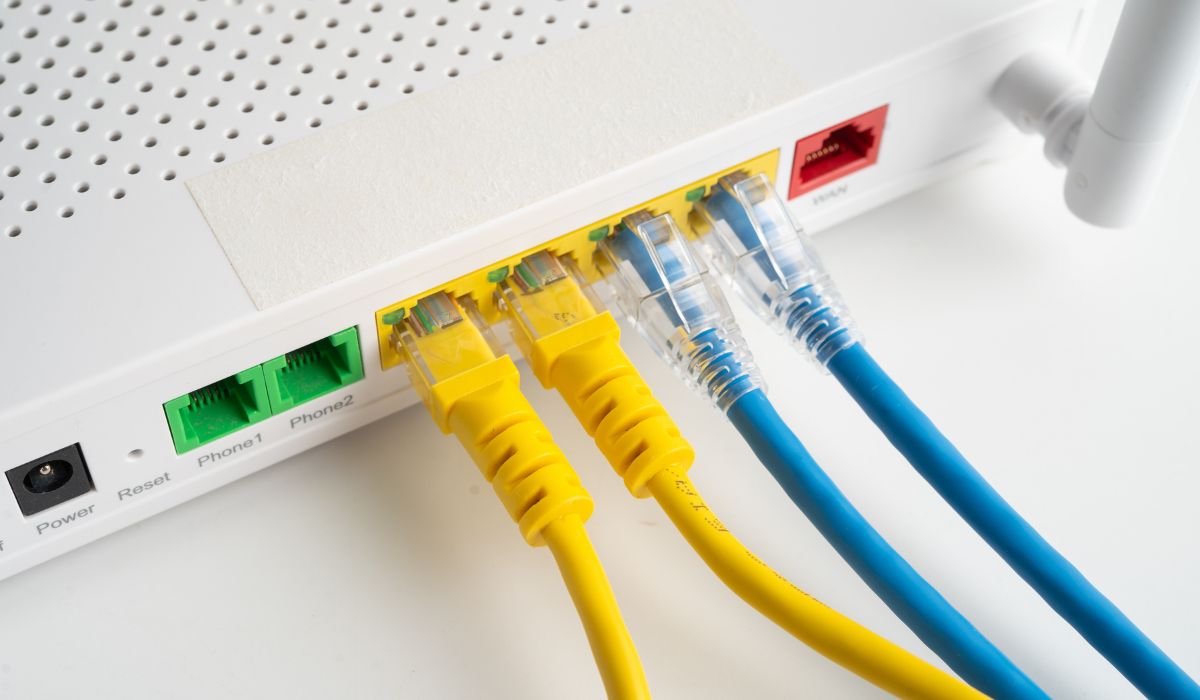
A weak internet connection is one of the most common reasons behind GST portal issues. The website needs a stable connection to load forms, verify login, and process data.
Don’t just check if the internet is “working.” Test if it is stable.
- Switch from Wi-Fi to mobile data
- Try another Wi-Fi network
- Avoid using public or office networks with restrictions
After switching, reload the GST portal and see if the issue improves.
4. Clear browser cache and cookies
Your browser stores temporary files to load websites faster. But over time, these files can become outdated or corrupted. When that happens, the GST portal may not load correctly or may show errors.
Clearing cache removes old stored data and allows the website to load fresh.
Follow these steps:
- Open your browser settings
- Go to privacy or history section
- Select “clear browsing data”
- Choose cache and cookies
- Clear the data and restart the browser
Now open the GST portal again and log in.
5. Update your browser to the latest version
The GST portal uses modern web technologies. If your browser is outdated, it may not support these features properly. This can result in broken pages, missing buttons, or login errors.
Updating your browser ensures compatibility with the GST system.
Steps to update:
- Open browser settings
- Go to “About” or “Update” section
- Check for available updates
- Install the latest version
- Restart the browser
After updating, try accessing the portal again.
6. Use another browser or open incognito mode
Sometimes the issue is not with the GST portal but with your browser settings. Extensions, saved data, or blocked scripts can interfere with how the website loads.
Incognito mode disables most of these issues temporarily.
Open the GST portal in incognito mode. If it works there, your normal browser setup is causing the problem.
You can also switch to another browser like Chrome, Edge, or Firefox to test.
7. Disable browser extensions temporarily
Browser extensions like ad blockers or privacy tools can block scripts that the GST portal needs to function.
Disable all extensions temporarily and reload the website. If the portal starts working, then one of the extensions was causing the issue.
You can later enable them one by one to find the exact cause.
8. Try accessing from another device
If the GST website still does not work, try using another device such as a different laptop or mobile phone.
This helps you understand whether the issue is limited to your current device. If it works on another device, then your original system has a configuration problem.
9. Avoid peak hours and try later
The GST portal becomes slow during high traffic periods, especially near return deadlines. Too many users accessing the system at the same time can cause delays and errors.
If possible, avoid peak hours. Try logging in early morning or late evening when traffic is lower.
10. Log out and log in again
Sometimes your login session may expire or become invalid. In that case, the portal may stop responding properly.
Log out completely, then log in again using your credentials. Make sure to enter captcha and OTP correctly.
This refreshes your session and may fix the issue.
Signs the Problem Is From the GST Portal Side
Sometimes, no matter what you try, the GST website still does not work. That usually means the issue is from the portal itself.
If the website is slow on all devices, shows repeated timeout errors, or fails during filing and payment, then it is likely a server-side issue.
You may also notice that other users are facing the same problem at the same time. In such cases, it is better to wait instead of trying multiple fixes.
What to Do If the GST Website Still Does Not Work
If none of the fixes solve the problem, take a more careful approach instead of repeating the same steps.
- Take a screenshot of the issue
- Note the exact error message
- Record date and time
- Avoid clicking submit multiple times
- Contact GST helpdesk with full details
This helps avoid mistakes like duplicate submissions or failed filings.
How to Avoid GST Portal Problems Next Time
You can reduce these problems by following simple habits.
Avoid filing returns at the last moment when traffic is high. Keep your browser updated and use a stable internet connection. Try to log in early and save your work regularly.
Small steps like these can save time and prevent stress.
Final Thoughts
GST website issues can feel frustrating, especially when you are in a hurry. But most of the time, the problem is simple and fixable.
Go step by step. Don’t rush. Start with basic fixes and move forward only if needed.
If you faced a specific issue on the GST portal, share your experience. It might help someone else solve their problem faster.