


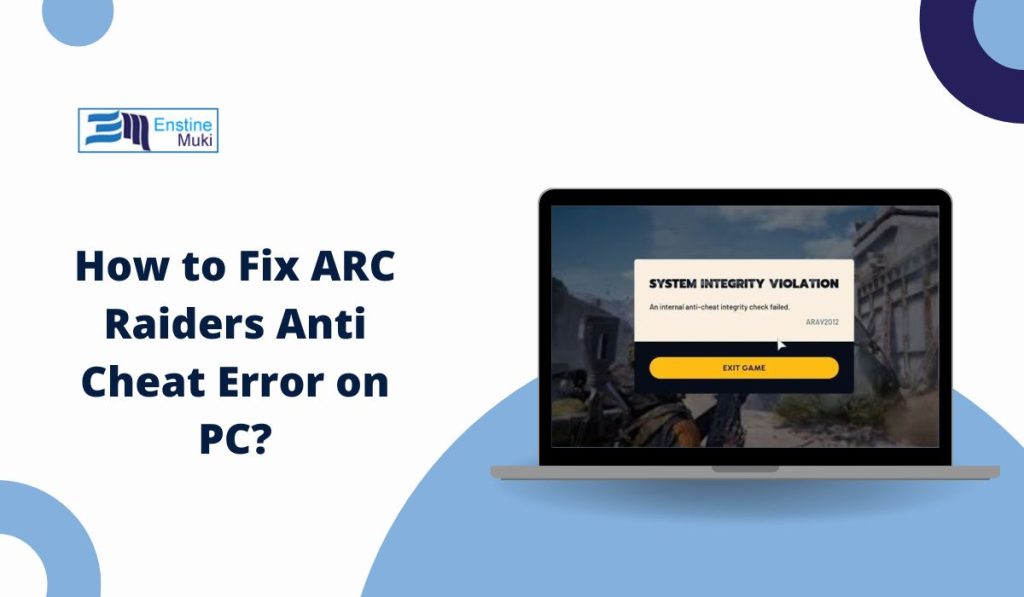
You open the ARC Raiders game, and instead of the lobby, an anti-cheat error pops up on your screen. The game closes before it even starts. That feels annoying, especially when you just want to join a match. This issue usually connects to Easy Anti-Cheat, Windows security, or Secure Boot settings.
In this guide, you’ll learn what this error means, why it happens, how to fix it step by step, and how to stop it from coming back.
What Is ARC Raiders Anti Cheat Error?
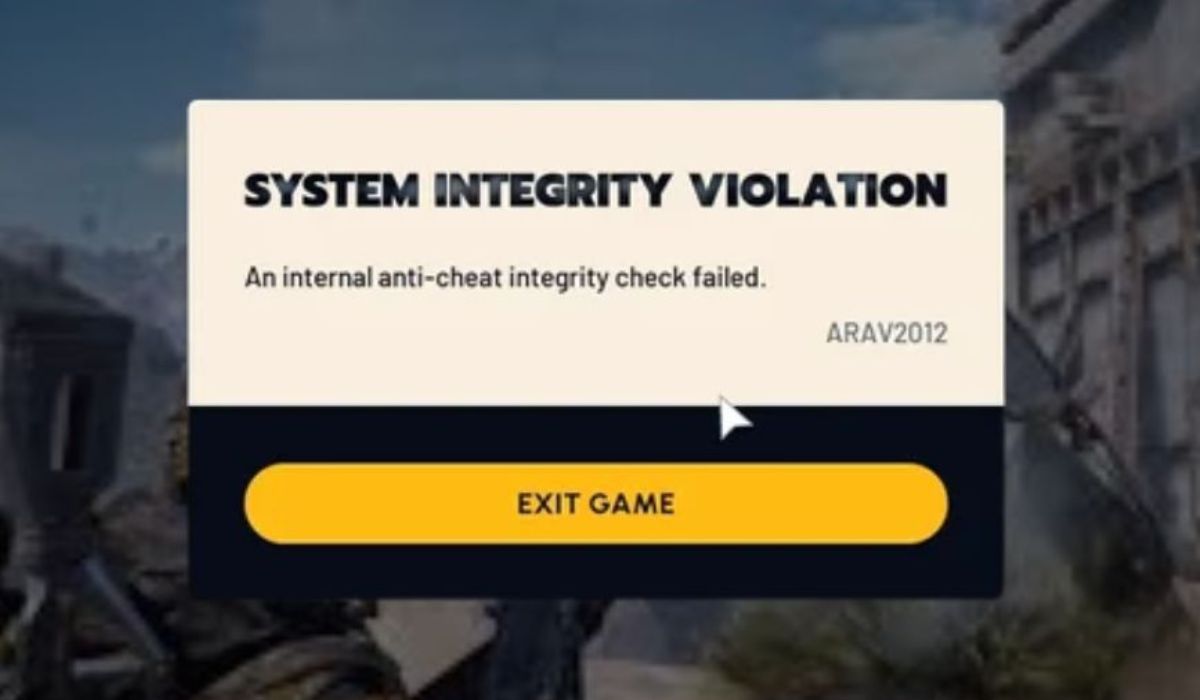
ARC Raiders Anti Cheat Error appears when Easy Anti-Cheat fails to verify your system before launching the game. Easy Anti-Cheat is a security service developed by Epic Games. It checks Windows 10 or Windows 11 system files, driver signatures, and Secure Boot status to make sure no unauthorized software is running. If something looks blocked, outdated, or untrusted, the anti-cheat service stops ARC Raiders from opening. This protects online matches managed by Embark Studios and published by Nexon. The system blocks access to prevent unfair gameplay or security risks.
Most players see this error during startup. It often appears after clicking Play on Steam or Epic Games Launcher. A small Easy Anti-Cheat window may load first, then the error message appears and the game closes.
Common Causes of ARC Raiders Anti Cheat Error
This error can happen for several reasons, depending on your Windows configuration, BIOS settings, or installed drivers. Sometimes the problem is simple. Other times it links to system security rules.
Common causes include:
- Corrupted Easy Anti-Cheat installation files
- Secure Boot disabled inside BIOS
- Outdated Windows updates
- Windows Defender or antivirus blocking EAC
- Corrupted ARC Raiders game files
- Outdated NVIDIA or AMD graphics drivers
- Overlay programs interfering with validation
How to Fix ARC Raiders Anti Cheat Error?
Fixes depend on what caused the issue. Start with basic steps. If those do not work, move to advanced fixes like BIOS changes. Most users solve the problem early in the listed fixes.
Fix #1: Restart Your PC
Sometimes Windows services fail to load properly. Easy Anti-Cheat may not start correctly during boot.
Try these simple steps to quickly restart your system:
- Close ARC Raiders
- Click the Start menu
- Select Restart
- Wait until Windows loads fully
- Launch the game again
If the issue was temporary, the game should open normally.
Fix #2: Run ARC Raiders as Administrator
Easy Anti-Cheat needs full system access. Without administrator permission, Windows may block protected files.
Here are the following steps which help you to run the game as administrator:
- Right-click the ARC Raiders shortcut
- Select Properties
- Open the Compatibility tab
- Check Run this program as administrator
- Click Apply
- Launch the game
This gives the anti-cheat service proper access.
Fix #3: Verify Game Files
Corrupted game files often trigger anti-cheat errors. Steam and Epic Games Launcher both allow file verification.
Follow the steps below to easily verify files on Steam:
- Open Steam
- Go to Library
- Right-click ARC Raiders
- Click Properties
- Select Installed Files
- Click Verify integrity of game files
For Epic Games Launcher:
- Open Epic Games Launcher
- Go to Library
- Click the three dots next to ARC Raiders
- Select Verify
The launcher will replace damaged files.
Fix #4: Repair Easy Anti-Cheat
If the anti-cheat service itself is corrupted, repairing it helps restore missing components.
You can perform the following steps to repair Easy Anti-Cheat:
- Open the ARC Raiders installation folder
- Locate the EasyAntiCheat folder
- Run EasyAntiCheat_Setup.exe
- Select ARC Raiders
- Click Repair Service
- Restart your PC
After restart, try launching again.
Fix #5: Add ARC Raiders to Antivirus Exclusion
Windows Defender or third-party antivirus programs may block Easy Anti-Cheat mistakenly.
Below are the steps that will guide you to add an exclusion:
- Open Windows Security
- Click Virus and Threat Protection
- Select Manage Settings
- Scroll to Exclusions
- Add the ARC Raiders installation folder
- Restart your system
This prevents false detection from blocking the service.
Fix #6: Update NVIDIA or AMD Graphics Drivers
Outdated graphics drivers can fail digital signature checks required by Easy Anti-Cheat. Driver mismatch causes validation failure.
The following steps will show you how to update your GPU driver properly:
- Press Windows + X
- Open Device Manager
- Expand Display Adapters
- Right-click your NVIDIA GeForce or AMD Radeon GPU
- Select Update driver
- Choose Search automatically
You can also download drivers directly from the official NVIDIA or AMD websites.
Fix #7: Enable Secure Boot in BIOS
Secure Boot ensures Windows loads trusted software only. Easy Anti-Cheat relies on this security layer, especially on Windows 11 systems.
Perform the following steps carefully to enable Secure Boot:
- Restart your PC
- Press the BIOS key like F2, F10, or Delete
- Navigate to the Boot section
- Find Secure Boot
- Enable it
- Save changes and exit
After Windows loads, open ARC Raiders again.
Fix #8: Reinstall ARC Raiders Completely
If none of the previous fixes work, deep file corruption may exist. A clean reinstall rebuilds game files and Easy Anti-Cheat services.
These are the exact steps you need to follow to reinstall the game successfully:
- Open Steam or Epic Games Launcher
- Uninstall ARC Raiders
- Restart your PC
- Install the game again
- Launch after installation finishes
A fresh installation often resolves persistent anti-cheat issues.
Prevention Tips to Avoid ARC Raiders Anti Cheat Error in Future
Prevention reduces downtime and frustration. Keep your system stable and updated. Simple habits help maintain compatibility between Windows, drivers, and Easy Anti-Cheat.
- Keep Windows 10 or Windows 11 updated
- Keep Secure Boot enabled in BIOS
- Update NVIDIA or AMD drivers regularly
- Avoid running overlay software while gaming
- Add ARC Raiders to antivirus exclusions
- Restart your PC after major updates
- Avoid modifying or editing game files
Conclusion
In short, ARC Raiders Anti Cheat Error appears when Easy Anti-Cheat cannot verify system security. Common causes include disabled Secure Boot, corrupted files, antivirus conflicts, or outdated drivers. Most users fix the problem with basic steps like restarting, verifying files, or repairing the anti-cheat service.
If the issue continues after trying all fixes, contact Embark Studios support through official channels. Keep your system updated and secure. If this guide helped you, share it with other ARC Raiders players and leave a comment about which fix worked for you.