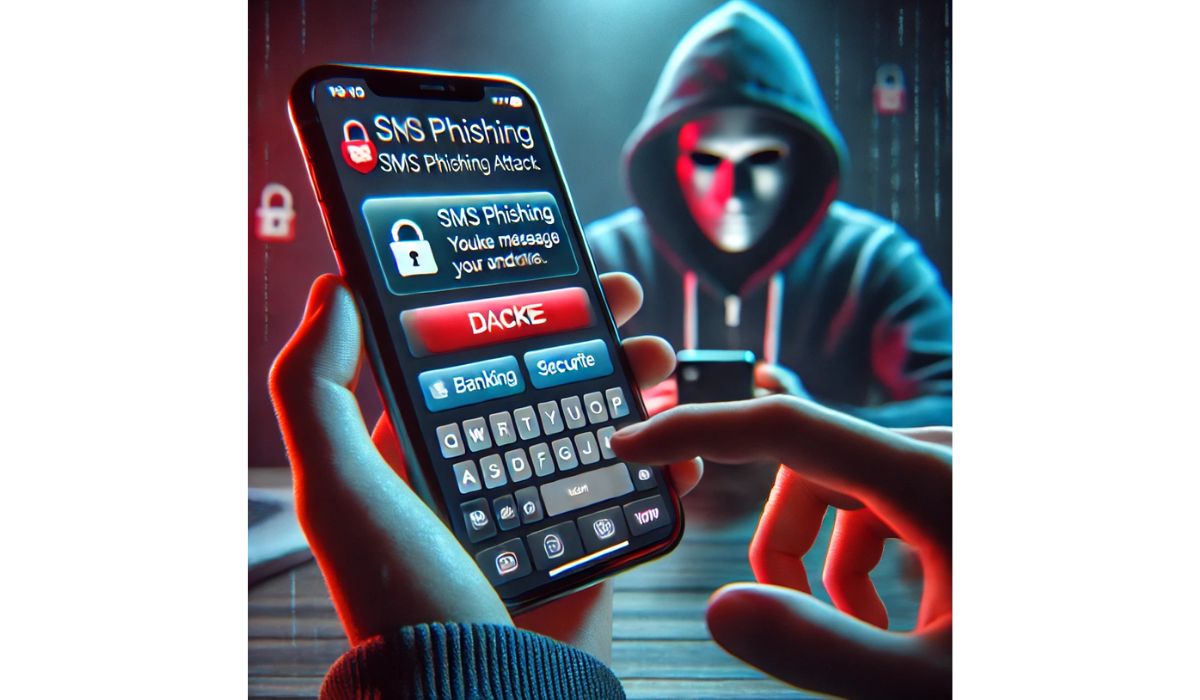
If a Venmo message makes you rush, stop. That is the big red flag. Scammers want speed, panic, and zero thinking time. Fraud is huge too. U.S. consumers reported losing over $10 billion to fraud in 2023 [source: FTC].
TLDR: Payment reversal scams usually start with a “mistake” payment or a buyer who wants goods fast. Fake support scams usually start with a scary text, email, or call saying your account is locked. Example: someone sends you $80, says it was an accident, and asks you to send it back. Do not send money back yourself. Contact Venmo inside the app.
Two scams. Same goal.
Venmo fraud often wears two costumes.
- Payment reversal scams: “Oops, I paid you by mistake.”
- Fake support messages: “Your account has been frozen. Click here now.”
Both try to make you act before your brain puts on its shoes.
Honestly, it feels like scammers studied every tiny button in payment apps. Then they built traps around them. Annoying? Very. Dangerous? Also yes.

What is a payment reversal scam?
This scam starts with money landing in your Venmo account. Nice, right? Not so fast.
A stranger sends you money. Then they message you. They say it was an accident. They may sound polite. They may even send sad emojis. Then they ask you to send the money back.
Do not do it.
Here is why. The original payment may have come from a stolen card or hacked account. Later, that payment can be reversed. If you already sent money back, your real money is gone.
The catch is, the app may make it look simple. You see money. You think it is yours. You send it back. Then the first payment vanishes later. Fantastic. Now you are the unpaid refund department.
Common payment reversal tricks
- The “wrong person” trick: “Sorry! I sent you $120 by mistake.”
- The fake buyer trick: They buy your item, then claim a problem.
- The overpayment trick: They send too much and ask for the extra back.
- The urgent favor trick: “Please send it back now. I need gas money.”
Real mistake or scam? You do not have to guess. Tell the person to contact Venmo. You should contact Venmo too. Use the app or official website only.
How to spot a payment reversal scam
Look for these signs:
- The sender is a stranger.
- They want you to send money to a different account.
- They push you to move fast.
- Their story keeps changing.
- They offer extra money for your “trouble.”
If the money came from someone you do not know, treat it like a raccoon in your kitchen. Do not touch it. Do not feed it. Call the right help.
What is a fake support message?
This scam starts with fear.
You get a text or email. It says your Venmo account is locked. Or hacked. Or under review. It may say you must verify your identity. Right now. Click the link. Enter your password. Type the code.
Nope.
Fake support messages try to steal your login details. The worst ones ask for your two factor code. That code is the key to your account. Never share it. Not with “support.” Not with a “security team.” Not with someone who sounds calm and official.
Real support will not ask for your password or verification code in a random message. Venmo also warns users to avoid sharing codes and to contact support through official channels [source: Venmo].

Fake support warning signs
- The message has a link that looks odd.
- It says your account will close in minutes.
- It asks for your password.
- It asks for your one time code.
- It comes from a weird email address or phone number.
- It uses bad grammar or strange spacing.
Expect to waste time on this. Scammers do not send one clean message. They send texts, emails, calls, and even social media DMs. It is like spam grew legs.
Payment reversal vs fake support: quick comparison
| Scam type | How it starts | What they want |
|---|---|---|
| Payment reversal scam | Money appears in your account | You send money back |
| Fake support message | A scary alert arrives | Your login, code, or card details |
What to do if this happens
- Do not send money back. Leave the payment alone.
- Do not click message links. Open Venmo yourself.
- Do not share codes. Ever.
- Screenshot everything. Keep names, dates, and messages.
- Report it in the app. Use official support.
- Change your password if you clicked anything.
- Turn on two factor login. Yes, it adds a step. It is worth it.
A simple rule that saves money
If you did not expect the payment or message, pause. That one pause can save you from a messy loss.
Venmo is great for splitting pizza. It is not great for trusting strangers with dramatic stories. Keep payments between people you know. Double check usernames. Ignore pressure. And when support “contacts you” out of nowhere, assume it is fake until proven real.
Image not found in postmetaScammers love confusion. Make your response boring. Stop. Check. Report. Then go back to your day.